
Smart Printer: PDF Scanner App
Share documents, print, scan, and fax securely
Lionel Breault
iPhone Screenshots



Description
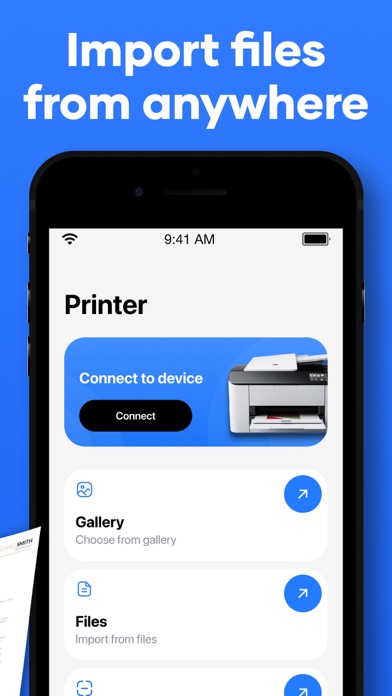
Print, scan, fax, and share documents and photos from iPhone or iPad. Send files securely via email or cloud. Export in high quality. Connect to compatible printers wirelessly. Share directly via messaging or social media.
Our App is an all-in-one solution that allows you to print, scan, fax, or share documents and photos in high quality from any iPhone or iPad.
Whether you need to share files with friends, family, or colleagues, create an email attachment, print an important document on the go, or send a file securely, the app enables you to do all this and more with just a few taps.
The app features a simple interface, making it incredibly easy to use.
- Print: The app is compatible with almost any printer that supports wireless printing, allowing you to print documents directly from within the app. No additional software or drivers are needed – just find the print option and go.
- Scan: Use your iPhone camera to scan files and create high-quality PDF documents. The edit mode lets you crop images as necessary and adjust brightness levels. Files can also be saved as JPEG and PNG images.
- Fax: Securely fax important documents directly from the app.
- Share: Instantly share photos or documents in the app with friends, family members, or colleagues across multiple platforms and devices. You can forward them via email, upload them to cloud storage, or send them via social media.
Privacy Policy: https://docs.google.com/document/d/1ksbRwyRiyn4WHM55a_n4ZHmifbTagQoPrQTkBR1EGDU/edit?usp=sharing
Terms of Use: https://docs.google.com/document/d/1OixbKMYZ8LlxUF6YMiyyXwl_yJc-HefgOfG7FqJzmng/edit?usp=sharing