Allows users to create drawings using realistic strokes. Users can choose colors, adjust brush sizes, and apply effects. Artwork can be saved, shared, or exported. The interface supports freehand drawing and coloring activities.
by An Banh★ 4.3307 ratingsEducationFreeData updated 2026-09-10
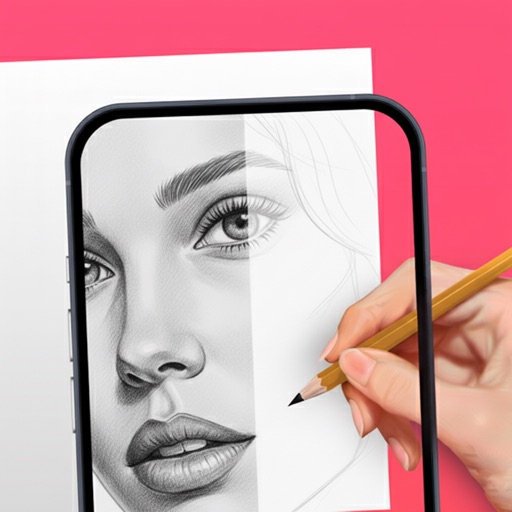
Use AR to project images onto real-world surfaces and them for drawing. Create original artwork with real-time feedback. Adjust colors, lines, and layers within the . Save and share drawings directly.
Create drawings using colors and effects. Select from animated characters and scenes. Add stickers and animations. Save and share creations. Explore themed pages featuring animals, unicorns, desserts, and kawaii characters.
Use camera to and in real-world environments. Apply colors and textures with touch gestures. Adjust brush size and opacity. Save and share drawings directly. Sync with design tools for further editing.
Draw and share chemical structures with interactive tools. Calculate molecular formula, molecular weight, monoisotopic mass, and elemental composition in real time during drawing.
Help children practice numbers and drawing shapes through exercises. Include features for family names and creating drawings. Boosts creativity and confidence with interactive activities.
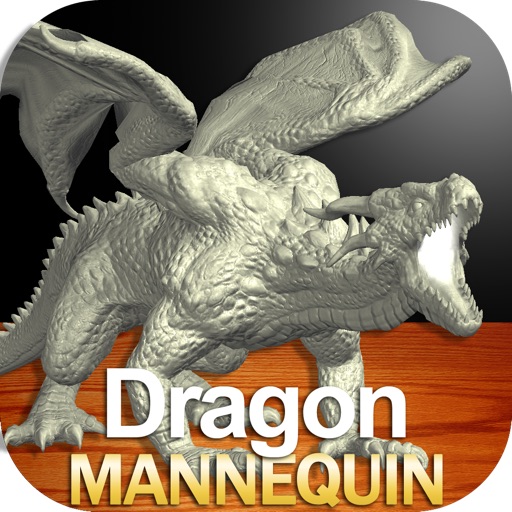
Draw a with poseable limbs and adjustable joints for custom poses. Use reference tools and skins to enhance detail and realism. Adjust camera angles and select backgrounds and platforms for accurate drawing.
Allows children to create art using finger slides and clicks. It includes stick figures, , and coloring features. Users can explore art materials, cartoons, and comics.
The app provides drawing tutorials broken into 11 steps with additional tips for illustrating portraits. Users can learn techniques at their own pace, whether using physical tools or a drawing app.
Create and customize drawings of an with poseable joints and adjustable limbs. Select from various skins and backgrounds. Adjust camera angles, zoom, and lighting. Use animations to guide realistic poses and movements.
The app draws random shapes in random colors and sizes. Users can clear the screen with a two-finger tap or shake the device to access a menu for background options.