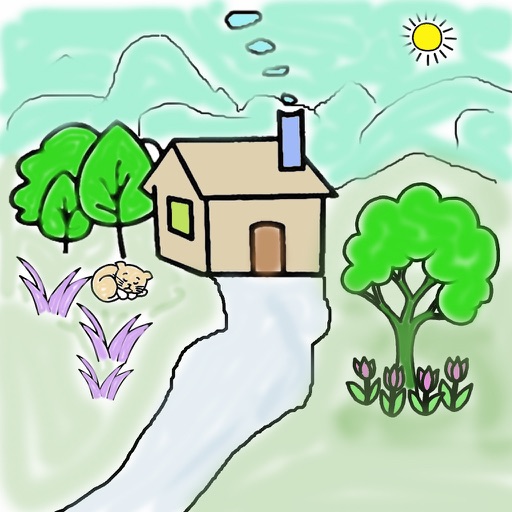
Allows users to create drawings using realistic strokes. Users can choose colors, adjust brush sizes, and apply effects. Artwork can be saved, shared, or exported. The interface supports freehand drawing and coloring activities.
by An Banh★ 4.3307 ratingsEducationFreeData updated 2026-09-10
Engaging puzzles help develop problem-solving skills. Interactive coloring book allows creative expression. Short animal videos introduce basic concepts. Users can complete puzzles, color images, and watch educational clips.
Provides drawing tools with guided models, puzzle games with relax or timer modes, and action games including a tap game and a ghost shooting battle. It also features a quest activity.
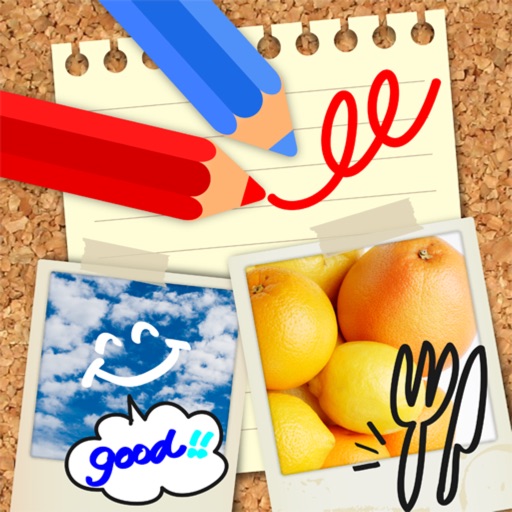
Create drawings with realistic , blackboard, and marker pen textures. Add sound effects during drawing. Use an intuitive interface to sketch lunch menus, todo lists, and humorous images.
Creative drawing studio allows children to draw and color with various tools and colors. Puzzle games let kids match shapes and patterns. Pixel art lets them create images by filling grids.
Create drawings by following guided steps. Choose colors and shapes. Guess what the drawing represents. Share creations with family. Explore a colorful, interactive environment for creative play.
Children can color and draw using a variety of tools and color options. Features include creative drawing, fine motor skill development, and interactive elements to encourage imagination. The functions offline without WiFi and includes no ads.
Create unlimited sketches with drawing tools and color palettes. Use stencils and templates for guided drawing. Save and share artwork. Upgrade to access special effects and advanced features.
The app offers over 200 themed coloring pictures for children of different ages. It includes a blank sheet for original creations and is approved by child psychologists.
Create and intricate drawings with adjustable difficulty levels. Choose colors to bring illustrations to life and watch them transform into animated mini-cartoons. Access over 100 themed pages including animals, princesses, cars, and fantasy scenes.
Teaches children to correctly using animated step-by-step guidance. Features include drawing animals, flowers, and fantasy characters. Includes difficulty levels with assisted drawing to focus on stroke order and direction.
Transform simple sketches into vibrant artworks using AI. Upload or draw in-. Choose from cartoon, realistic, 3D, or pastel styles. nimated versions of artwork. Save and share finished creations.
Create and animate drawings with a variety of painting tools and brushes. Record and share artwork as videos. Use a whiteboard for tutorials and pitch recordings. Access symmetry and guides for precision. Export creations in multiple formats.
Edit images by on photos with 45 colors and five pen thicknesses. Use zoom edit and undo functionality. Add text with drag and pinch for free layout. Import from camera roll and attach images. Share edited content via email, Twitter, and Facebook.