Apply color filters inspired by New City to photos and videos. Use photo effects like Daily, Retro 1, Retro 2, Old, SC, UB, MS, HL, TS, HR, CP, and BB. Apply live filters during shooting. Customize date stamps with specified date and format options.
Edit photos with color and film filters, vintage textures, and light leak effects. Adjust brightness, contrast, and saturation. Add vignettes and analog film sensations. Export edited images in various formats.
Convert static images into dynamic videos with AI-powered animation and visual effects. Upload a photo to generate engaging content instantly. Edit clips, add music, and export for social media platforms like Instagram and TikTok.
Take selfies or select from the photo library. Apply single-tap filters for self-portraits. Save photos and share to Twitter or Facebook. Includes self-timer and professionally designed effects.
Edit photos with advanced filters and AI-powered upscaling. Repair old images to remove blur and enhance details. Convert low-resolution photos to high-definition. Share restored photos directly from the .
Capture live photos with real-time filter preview. Apply 100+ trending during shooting or to video recordings. Choose 1.5s, 3s, or 5s durations. Save filtered Live Photos directly without post-editing.
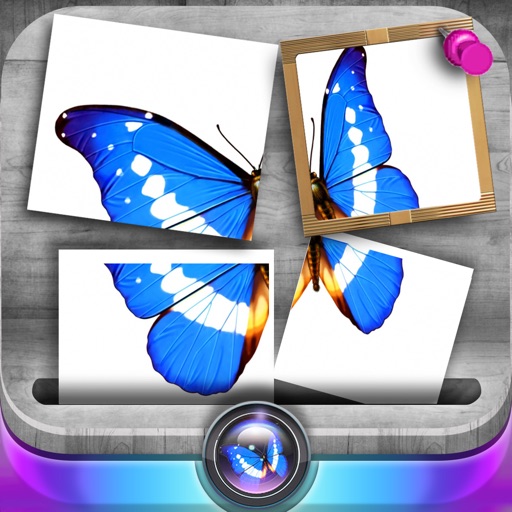
Edit photos by slicing and reassembling them freely. Decorate slices with stickers, frames, text boxes, backgrounds, and filters. Combine multiple photos by to create custom art.
Take photos or select images from the gallery. Position, resize, and rotate a mask overlay on the . Apply filters and adjust the mask. Share the final image on social media or via email. Switch masks or edit the as needed.
Find and download free , vector graphics, and video clips for commercial use without attribution. Filter by color. Organize files into personal folders. Access content anytime for personal or commercial projects.
Organize and manage photos by filtering them into albums, months, or categories. left to delete unwanted photos or right to keep favorites. Use buttons for easier navigation. Free up storage space by removing unnecessary images.
Add text to photos using customizable fonts and captions. Overlay images with artistic artwork or choose from filters and frames. Scale and crop photos for editing. Share edited photos directly to Instagram.