
Vintage Camera
Transform photos with retro effects.
Alexandre Morcos
iPhone Screenshots
Description
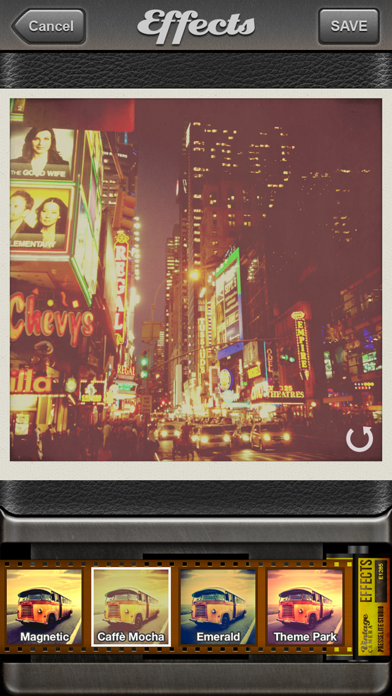
The app transforms an iPhone into a vintage camera, applying original retro effects to photos. Users can import images, select from various filters, and share their creations.
Vintage Camera has over 7 million users worldwide!
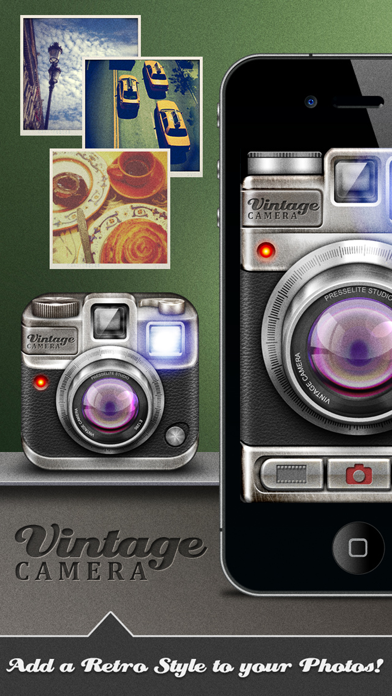
Turn your iPhone into a genuine vintage camera!
Vintage Camera is a new reference application for iPhone and iPod Touch. Add fully original and striking effects to your photos and give them style.
◉ The application offers a nice retro design inspired by cameras from the last century
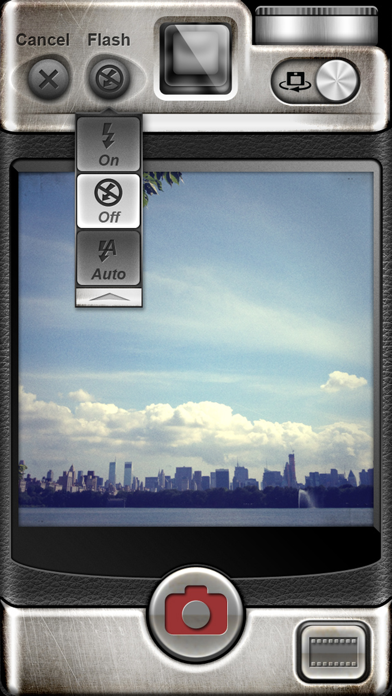
◉ Take photos fast by configuring the Flash option (Auto, On, Off) and the camera (back or front) in the interface. You can also import photos directly from the iPhone photo album.
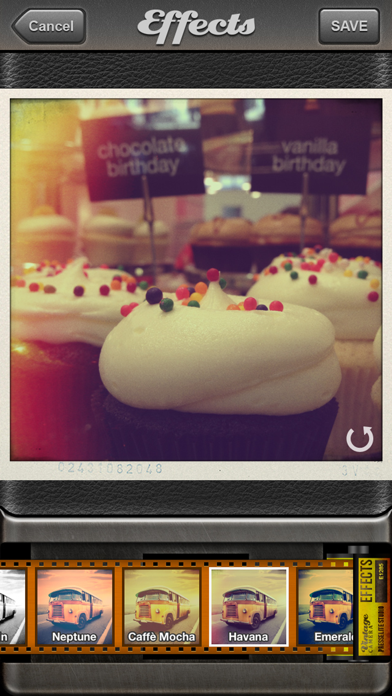
◉ Once you’ve taken a photo using the integrated module, you can immediately apply a filter to give your photo style. Select from a number of "Vintage" filtered effects available to make your photos look even better and stylish!
◉ All of the effects have been carefully created for this application to make your photos more expressive and life-like. Not available anywhere else!
◉ Professional Edition: You can upgrade the application through an in-app purchase to get 4 new photo effects (Hollywood, Watermelon, Rockstar and Morning) and remove ads. You will be able to save your photos using these 4 photo effects.
◉ Use the integrated functionalities to share your creations with your friends on Twitter and Facebook right from the application.
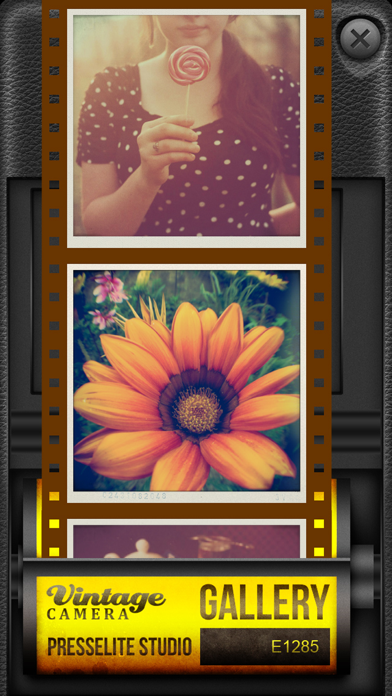
◉ The gallery, in a roll of film format, saves and stores all the photos you take using the application.
◉ Let your creative side shine through in your photos, and share them using the application.
◉ Ideal for photographers wishing to use the iPhone as a professional, practical and efficient camera.
Thank you for taking the time to report any bug or to request an enhancement to Vintage Camera application. Feedback is very important to us. We will do our best to answer queries. Email us at [email protected]