
Bedtime Sleep Cycles
Set alarm with drag-and-drop clock
Zachary Howe
iPhone Screenshots
Description
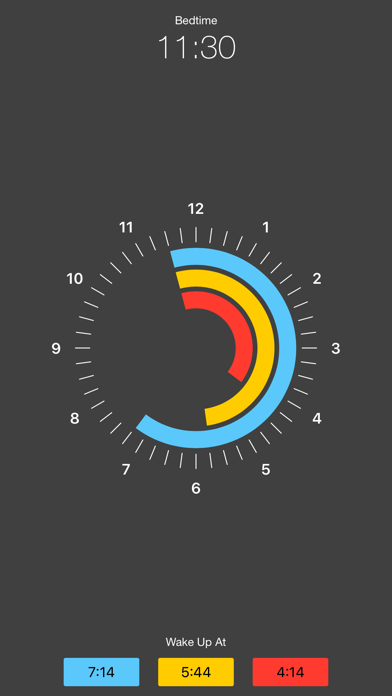
Determine optimal wake-up time by adjusting colored bars on a clock. Red indicates minimum , yellow represents fair , and blue shows optimal . Helps plan based on to avoid grogginess.
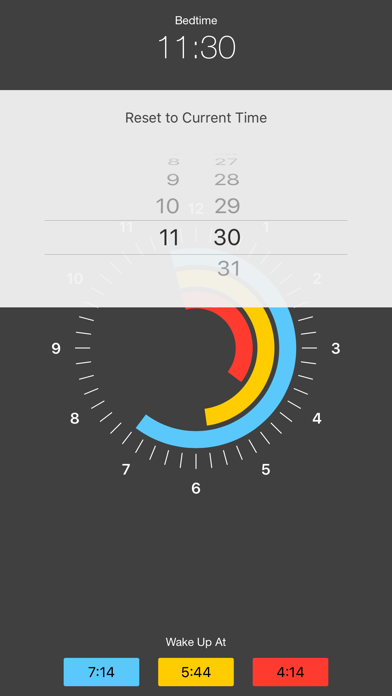
Bedtime is a simple and colorful way to determine what time you should wake up. Just drag and the colored bars around the clock to find a good time to set your alarm for.
- Red is the minimum time of sleep.
- Yellow is a fair night of sleep.
- Blue is the optimal amount of sleep.
Research indicates that waking up in the middle of a sleep cycle causes you to feel tired and groggy. Waking up at the height of your sleep cycle allows you to feel more refreshed for your morning. Planning your night sleep at a timed interval is the best way to achieve this.
Take the pain out of deciding what time to set your alarm and let Bedtime decide.
Bedtime is free, lightweight and has no ads or usage tracking whatsoever.
Please Note: Bedtime is not an alarm clock. Apple does not let apps set the system alarm. Bedtime can only tell you when to set your alarm.