
My Data Tracker
Track habits, mood, and daily activities
Andrew Adamshick
iPhone Screenshots

Description
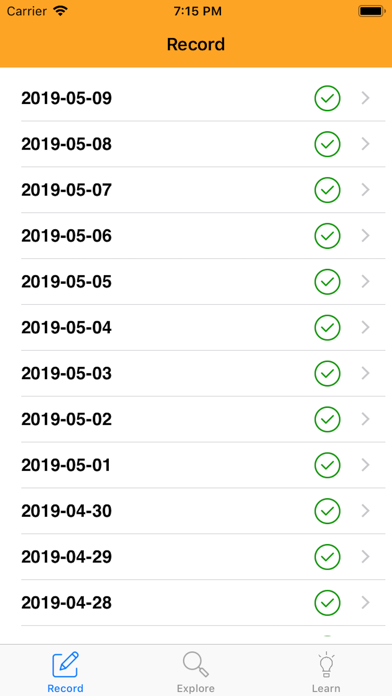
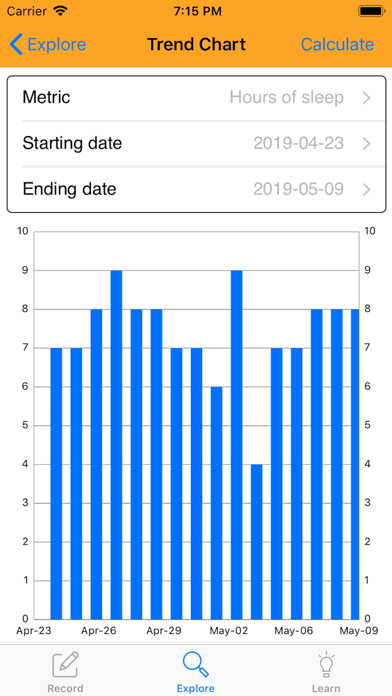
Track daily activities and emotional states by creating custom metrics in the "Explore" tab. Log progress in the "Record" tab with daily entries. View trends and patterns over time through visual representations.
My Data Tracker lets you easily track the important things in your life, from the things that you do to the ways that you feel.
Start by creating a few metrics in the "Explore" tab. You can create metrics for things under your control, like cups of coffee, as well as for things outside of your control, like how tired you feel at the end of the day. Once you've created a few metrics, take five minutes every day to track your metrics in the "Record" tab. After you've been tracking your metrics for a few weeks, click into the "Explore" tab to see how your metrics trend over time. You can also click into the "Learn" tab to find correlations in your data. You might find that one of your daily habits is unknowingly affecting your feelings.
Icons made by Kiranshastry and Freepik from www.flaticon.com