KRK Audio Tools
Measure frequency in real time
Gibson Pro Audio Corp.
iPhone Screenshots




Description
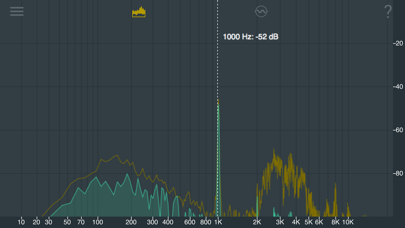
Measure and display real-time frequency spectrum with Spectrum RTA. Calibrate monitor levels using the Level Meter. Determine optimal EQ presets with EQ Recommendation. Align monitors for accurate sound with Monitor Align.
KRK Audio Tools App is a suite of professional tools ideal for monitor tuning that can help you to get the best experience with your KRK monitors. It includes the following tools:
- "Spectrum RTA" tool is used to measure and display the frequency spectrum of the input audio signal in realtime.
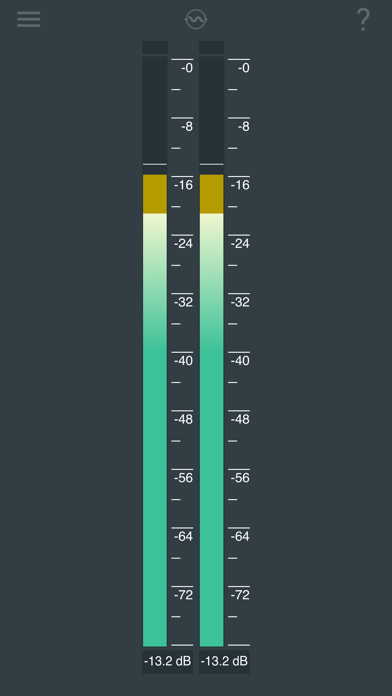
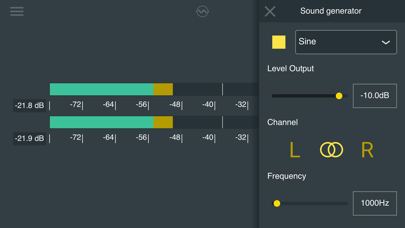
- "Level Meter" tool is used for monitor level calibration.
- "EQ Recommendation" tool is used to help determine which EQ presets may work best in your room.
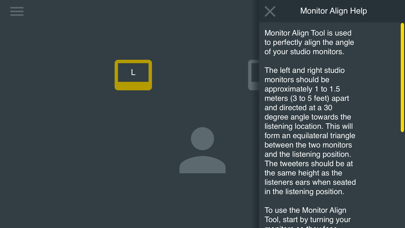
- "Monitor Align" tool is used to perfectly align the angle of your studio monitors.
- "Delay" tool is used to time-align your monitors in a multi monitor system.
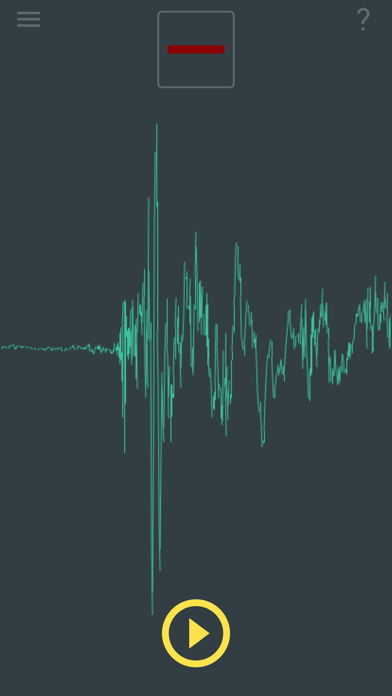
- "Polarity" tool is used for verifying that monitors are wired correctly.
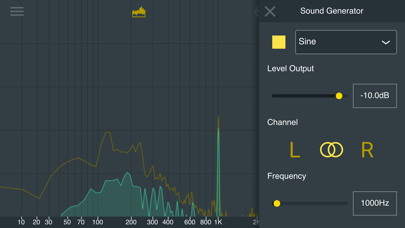
Furthermore, it includes a signal generator that can generate sine waves, white noise and pink noise. The inline help contains instructions to use the tools correctly.