Edit photos with AI-enhanced tools for clarity and resolution. Remove unwanted elements and separate figures or objects. Apply AI skin corrections and custom filters. Adjust HSL and curves for precise color and tone control.
Take photos with analog-style cameras featuring filters and film grain. Adjust exposure, focus, and white balance manually. Share images directly to social media or save to the roll.
Format, print, or save photos using predefined templates for 100 countries. Edit job application photos with ten popular formats. Automatically replace backgrounds with a clean white background. Export photos in multiple formats.
The app joins photos vertically, horizontally, or in 2D by blending or abutting them. Users can edit individual photos or the blend output in the image editor, supporting up to 16 photos.
Documents, receipts, and notes as multipage PDFs. Add and manage signatures on any page. Resize, move, or delete signatures. Save and email files. Upload to Dropbox, Google Drive, or One Drive. Auto-detect document edges.
Send faxes by selecting documents or taking photos. Enter fax numbers and send directly from the device. Pay per page for on-demand faxing. No need for a fax machine or dedicated line.
Capture low-light and night photos and videos with enhanced clarity and brightness. Record 4K time lapses and use Astronomy modes to capture stars and Northern Lights. Enable long exposure for detailed night scenes.
Convert paper documents to high-quality PDFs with advanced image processing. Scan and save documents for printing or digital storage. Share scanned files via email or cloud services. Organize and manage scanned documents within the .
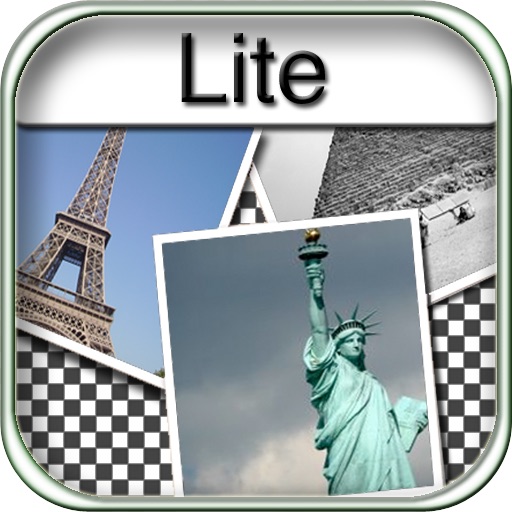
The app allows users to create collages for iPhone or iPod Touch wallpaper using a multitouch interface. It offers creative options such as a black-and-white or sepia converter, border addition, and transparency adjustment.
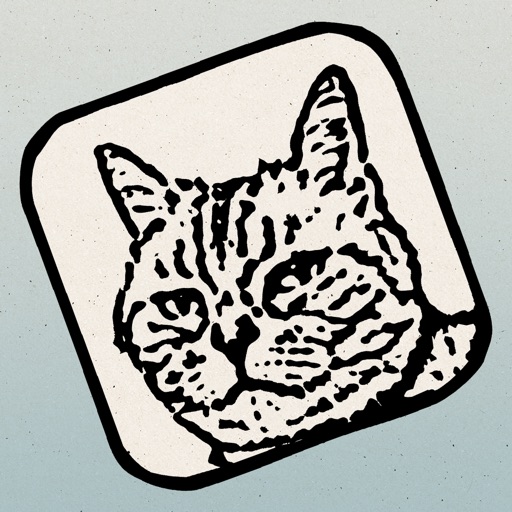
The app transforms photos into hand-carved or rubber stamps with options for rough effects and transparent backgrounds. It includes AI background removal and a feature to convert images to vector graphics.
Photos and scanned documents into PDF files. Edit images with filters, crop manually or automatically, and adjust to black and white or grayscale. Share PDFs via email or other supported methods.
Edit photos with nondestructive color adjustments, AI-powered automatic selections, and support for over 750 RAW formats. Use the Repair tool to remove unwanted objects. Export edited images in various formats and share directly.
Documents and book pages with auto-recognizing area for precise borders. Automatically capture images without manual pressing. Flatten scanned pages to remove shadows and enhance clarity. Export scans in high-quality formats.
Scan documents with automatic edge detection and perspective correction. Process scans in colored, grayscale, or black/white formats. Enhance documents with noise removal and custom adjustments.
Edit photos with filters, stickers, and makeup tools. Smooth skin by swiping over wrinkles and blemishes. Reshape face and body with 21 micro-adjustments. Beautify photos with one tap. Apply magic sky filters and other style options.
Convert paper documents to clear, high-quality scans. Save as PDF or image files. Share scans directly via email or messaging. Edit and annotate scanned documents. Organize and search saved files. Print scans from any device.