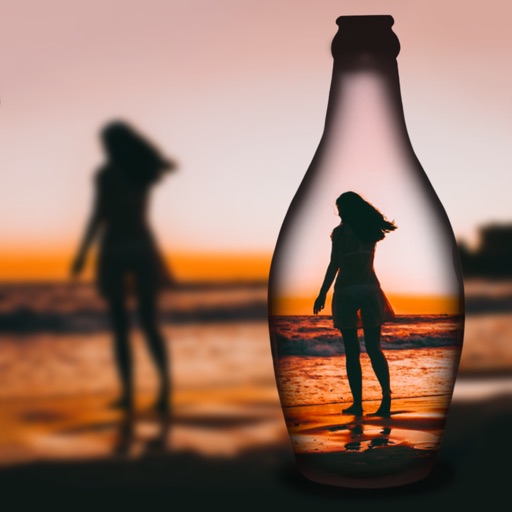
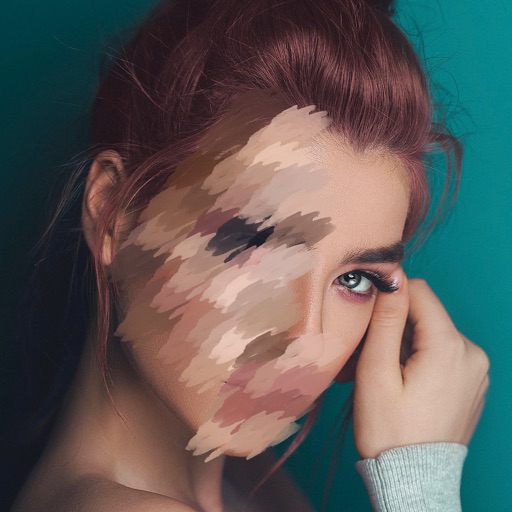
Editor lets users backgrounds, , or specific areas of images. It offers automatic , hand-drawn , face blurring, and various effects. Users can adjust intensity and apply the effect to selected regions.
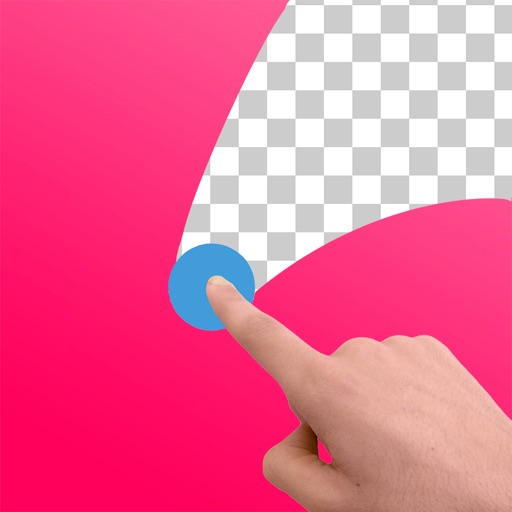
Edit images to remove backgrounds and create transparent images. Use zoom for precise edits. Cut out objects and save as stickers. Export for use in presentations, documents, and image editors.
Edit photos by removing and replacing backgrounds using AI-powered tools. Cut out people or objects with precise edges. Add custom backgrounds, blur backgrounds, or erase unwanted areas. Save edited images in various formats.
Blur image backgrounds to create effects. Select photos from gallery or capture new images. Apply multiple blurring tools to adjust blur intensity. Export edited photos to device storage.
Remove backgrounds from images to create transparent or customized backgrounds. Edit photos to eliminate imions. Replace or erase backgrounds for product images. Export edited images in various formats.
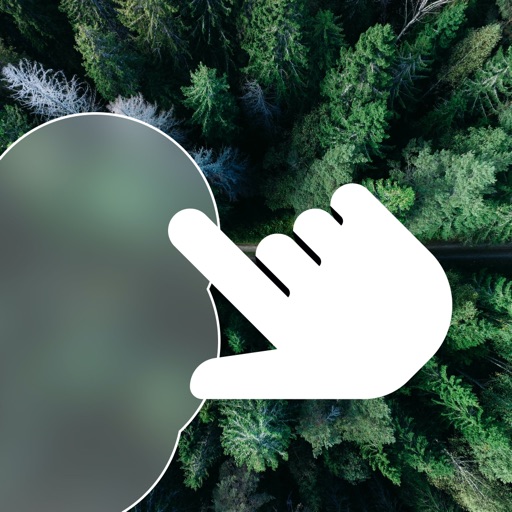
Blurify allows users to specific areas of a or the entire background. They can select from various brush types and shapes to apply . Adjust the intensity using a slider. Pre-set effects can be applied for different styles.
Arthur Eduardo Skaetta Alvarez Desenvolvimento de Software LTDA.
Blur backgrounds, enhance portraits
Edit photos with blur and AI-powered segmentation to isolate subjects. Apply multiple blur effects and adjust settings for precise results. Export edited images in various formats and share directly.
Allows users to faces, texts, logos, and objects in videos. Apply Gaussian or pixelate effects. Add filters, stickers, and text. Draw on videos to obscure unwanted elements.
Allows users to images with a single tap. Choose from pre-made templates or apply filters to enhance photos. Automatically or manually backgrounds. Add emotions and creative elements to improve visuals.
Edit photos with multiple layers, blending modes, and masking. Adjust colors and brightness using adjustment layers. Apply brushes, smudge, warp, and effects. Add shadows and clarity. Export and share edited images.
Enhance blurry, pixelated, or damaged images using AI. Adjust clarity, color, and brightness. Apply filters and effects. Restore old photos and damaged images. Export enhanced photos in various formats.