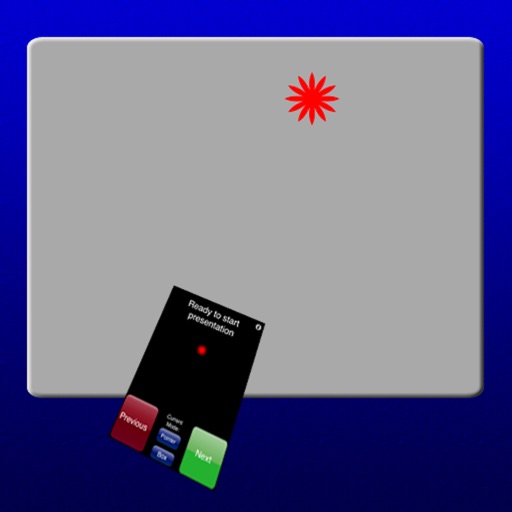
Turn your iPhone into a wireless mouse, , and touchpad for Mac or PC. Control cursor movement, type text, and navigate menus. Switch between devices and adjust sensitivity settings.
Track requests and answers with notes, dates, and statuses. Add scripture references and daily journal entries. Share requests with others. Sync across devices for consistent tracking.
Manage local and cloud files in one . Transfer files wirelessly to Mac or PC via Wi-Fi using drag-and-drop. Access multiple cloud accounts. Stream music and videos from the cloud. Use built-in tools to organize and view files.
Shenzhen Well fitness Management Technology Co., Ltd.
Track fitness data and sleep quality
Track fitness activities with GPS positioning and sync data from smart bracelets and watches. Monitor sleep quality and daily movement. Adjust settings for battery efficiency and receive real-time health insights.
Customize lighting with color and brightness settings
Control smart LED lamps or strips with this . Customize lighting by selecting colors, adjusting saturation, and modifying brightness. Connect via Wi-Fi or Bluetooth for fast setup. Access additional features with a subscription.
Access event programs and schedules without paper. Build a personalized daily agenda with color-coded views. View real-time updates on program changes and upcoming sessions. Navigate event locations with animated maps.
Text directly from any using a widget in Notification Center. Automatically copied content and paste it across platforms. Combine multiple copied items into one and share seamlessly. Edit copied text within the .
Control your computer via WiFi from up to 30 feet away. Customize keypads for professional tools. Adjust layout and add navigation pads. Connect using a helper installed on your computer. No line of sight required.
The app connects to Mac computers from iPad, iPhone, and iPod Touch. It supports Retina display and offers features like a trackpad, virtual mouse buttons, and a functional keyboard with shortcuts.
Allows secure remote access to Linux or IoT devices via SSH. Users can connect using password or key authentication. It supports multiple emulations and stores connection settings securely.
Turns iPad or iPhone into a second for Mac via USB. Browse documents or watch videos with low latency. Use pinch-to-zoom on Mac. Enable Split View for multitasking. Supports touch gestures for enhanced control.