Take photos with single-tap effects and professionally designed filters. Adjust brightness and contrast. Apply blur and focus. Rotate and crop images. Export edited photos in various formats.
by Quantis, Inc.★ 4.2228 ratingsPhoto & VideoFreeData updated 2026-09-09
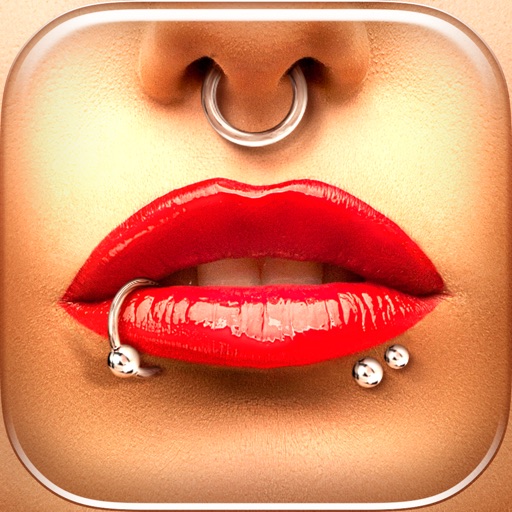
Try different styles with realistic effects. Choose from face, ear, belly, labret, teat, and nose categories. Select from over 300 objects. Adjust placement and size for custom looks. Share edited photos directly.
Edit photos by adjusting facial features like nose and eyes. Apply pre-set filters for enhanced appearance. Use AI to detect photo planes and select Bokeh effects to blur backgrounds. Save and share edited images.
The app offers photo editing with 70 stylish bokeh filters. Users can adjust brightness, transparency, and apply effects to images from the camera or album.
Edit photos with filters, backgrounds, patterns, textures, frames, and stickers. images to format. Access photos from the gallery or capture new ones with the camera. Apply creative tools to enhance and style images. Share edited photos directly.
Edit photos with stickers, filters, and effects. Add text and manga-style elements. Create collages and share directly. Adjust brightness and contrast. Save and export in various formats.
Create art effects with one-click auto generation. Edit photos with filters, cutouts, background erasing, and changing. Blur images and adjust colors. Share edited photos directly to social media.
Capture photos with built-in live filters in landscape or portrait mode. Adjust saturation, contrast, brightness, exposure, and sharpen. Apply crop, gamma, haze, sepia, or color invert.
Create collages with single or multiple photos, up to 14 images. Add , backgrounds, and drawings. Share collages on Facebook, Instagram, Twitter, WhatsApp, and other platforms. Edit photos with basic tools and apply templates.
The app provides a powerful editor with a simple design for photo enhancement. Users can add custom textures, stickers, and text to their images, with options for focus, color splash, and various filters.
The app offers numerous standard layouts and artistic filters, including B&W and vintage effects. Users can adjust exposure, contrast, saturation, and white balance for their photos.
The app helps users resize photos to fit their screen for wallpapers. It offers features like image move, resize, rotate, blur effects, and a color palette.
The app is a photo editor that allows users to enhance pictures, apply effects, add stickers, and draw on photos. It offers tools for adjusting brightness, contrast, saturation, and includes features like red-eye removal and smile whitening.
Edit photos with AI-powered background removal and custom background options. Apply artistic effects like cartoon styles. Enhance portraits with AI adjustments. Export edited images in various formats.
Edit photos with AI upscaling to 4K resolution. Remove blur, details, and restore image . Adjust brightness, contrast, and color. Export enhanced photos in high-definition formats.