A calculator with a large, easy-to-read display and simple buttons. Perform addition, subtraction, multiplication, and division. Features a clear layout and user-friendly design for everyday use.
by Unicom TOV★ 4.44,181 ratingsUtilitiesFreeData updated 2026-09-09
Navigation provides flight planning and in-flight calculations. Users can customize quick access buttons, configure units, and adjust keypads. Features include real avionics look, flight data entry, and performance calculations.
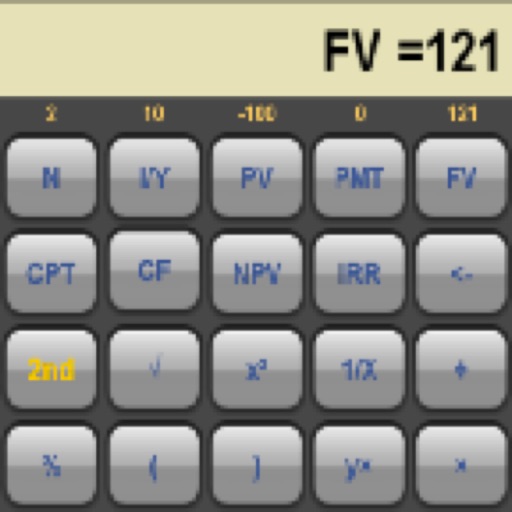
Calculate metrics such as present value, future value, and net present value. Analyze investments with IRR and NPV. Perform bond valuation and cash flow analysis. Support amortization, loans, and Canadian mortgages.
Track workout intervals with a large, high-contrast display visible throughout the room. Use presets for quick starts, Smart Volume to control audio output, and TV mirroring for a wall-mounted timer setup.
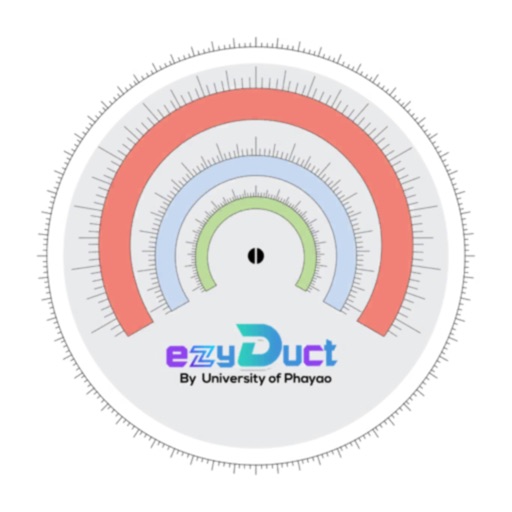
Calculate duct sizes quickly with finger sliding for precise measurements. Display equivalent round and rectangular dimensions. Support IP and SI unit conversions. Perform accurate calculations for efficient system design.
Calculate decimal, binary, octal, and hexadecimal values
Perform decimal, binary, octal, and hexadecimal arithmetic. Convert between number systems. Apply binary logic functions. Use parentheses for operator grouping. Input hexadecimal values using A-F keys.
For coaches allows recording lap, split, and total time. Use volume buttons to start and stop. Create and select participants. Add notes and comments. Clear time for next interval.
Track remaining and elapsed with a large dot-matrix clock that changes colors. Configure user profiles and select display modes. Use signal lights to indicate speech phases. Quickly set up and customize the for different presentations.
Convert currencies and cryptocurrencies using real-time exchange rates. Support for global currencies and popular digital assets. Calculate interest and repayment amounts for reference.
Operators can their mobile device to the display to perform diagnostics and health checks. Access remote functions from outside the cab. Control display settings and view system status in real time.
Perform calculations with labeled numbers and visual connections. Edit expressions by dragging results or extracting sub-expressions. Automatically update linked values and view calculation history in real-time.
The app allows users to print or email calculation history as a PDF. It includes a backspace key for corrections and supports document exchange via iTunes.
Helps users determine details by entering an IP address and selecting CIDR notation or mask. It displays network address, broadcast address, usable hosts, and mask. Users can quickly analyze ranges and validate configurations.