
CMCalc
Calculate decimal, binary, octal, and hexadecimal values
William David
iPhone Screenshots

Description
Perform decimal, binary, octal, and hexadecimal arithmetic. Convert between number systems. Apply binary logic functions. Use parentheses for operator grouping. Input hexadecimal values using A-F keys.
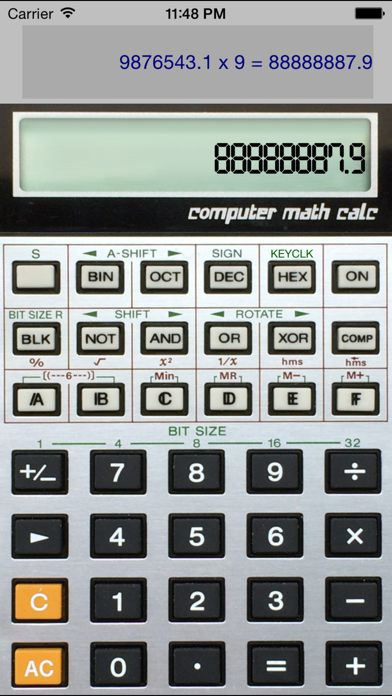
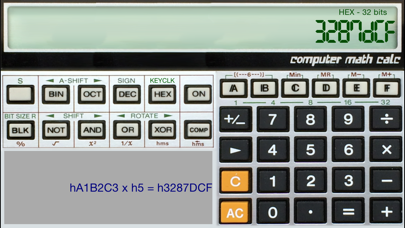
The CMCalc application is a replica of the Casio CM-100 Computer Math Calc solar powered calculator that was sold in the mid 1980’s. It performs simple decimal arithmetic and basic binary conversions (decimal - binary - octal - hexadecimal) and binary logic functions. While it is a standard infix calculator, it supports operator grouping with parentheses. For hexadecimal calculations, the input keys include A through F.
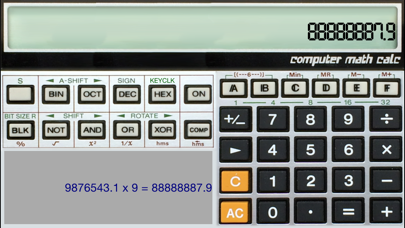
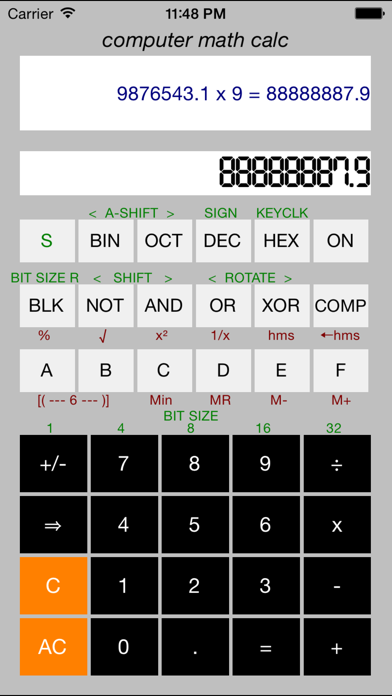
CMCalc application performs all the same functions as the calculator, and has the same look as the original. There are a couple features that were not conceivable in the 1980’s on a calculator … such as the ability to copy and paste the results or the entered function, and a landscape mode for devices with 4 inch or larger screens. The face of the calculator can be viewed in two modes including a traditional application style, and a photo replica of the original calculator face.