The app offers photo enhancement, effects, stickers, and drawing tools. Users can adjust brightness, contrast, and saturation, and remove blemishes or whiten smiles.
by Hung Nguyen★ 5.02 ratingsPhoto & VideoFreeData updated 2026-11-25
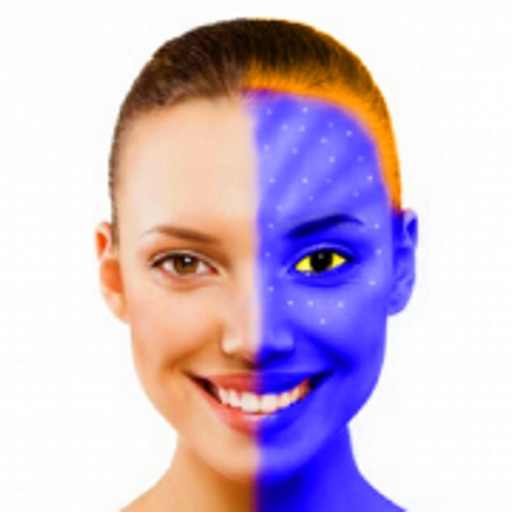
The app offers a large collection of Hollywood special effects for photo editing. Users can add professional composition tools like color correction, motion blur, and fog to their images.
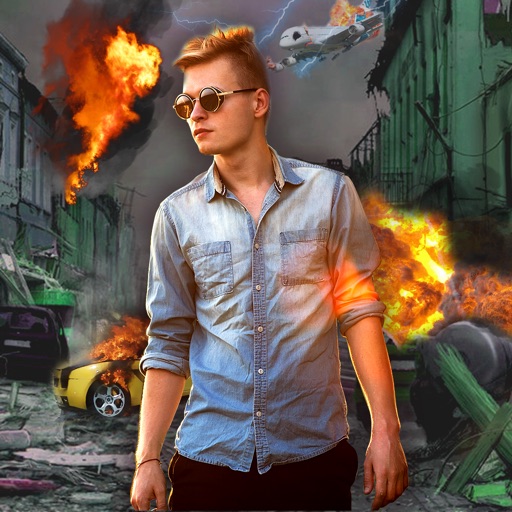
Edit photos with -themed effects like explosions, bomb blasts, and action stickers. Apply customizable FX frames and VFX filters. Decorate images to resemble posters. Share edited photos directly.
Edit photos with professional filters, effects, and frames. Retouch images with powerful tools like spot healing and color correction. Adjust brightness, contrast, and saturation. Crop, rotate, and apply stickers.
The app offers tools for photo editing, including auto enhance, meme generation, stickers, frames, and text. Users can adjust color balance, saturation, and sharpness, and crop or rotate images.
Edit photos to improve clarity and sharpness using AI technology. Remove blurriness and enhance image quality. Adjust brightness, contrast, and color. Save and share edited photos directly.
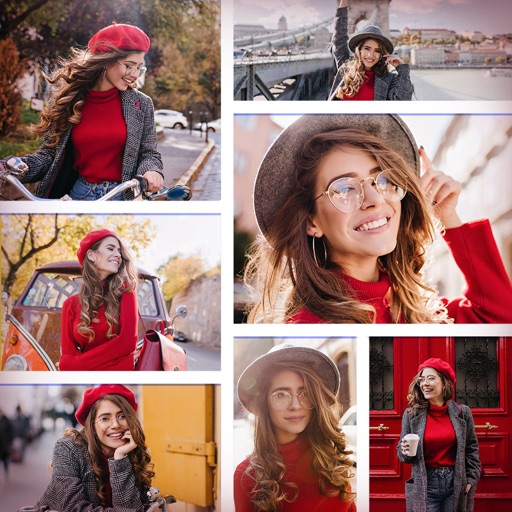
Create collages by combining multiple photos and videos. Choose from , poster, or editor modes. Adjust layouts, add effects, and stitch content together. Edit images with filters, cropping, and text overlays.
Backgrounds with a single touch. Replace backgrounds with any image. Apply blur to create a depth effect. Adjust clarity for better visibility. Export edited images directly.
Take selfies with filters and skin enhancement tools. Edit photos with cropping, adjustments, and options. Record HD videos and apply color filters. Share edited content directly.
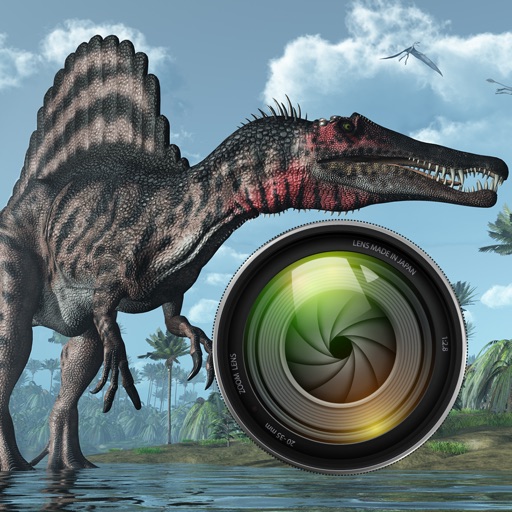
Add dinosaurs to photos with tap-to-place features. Choose from over 60 species including Tyrannosaurus, Pteranodon, and Stegosaurus. Adjust positioning and scale. Export edited images directly.
Edit photos with grid layouts, brightness, contrast, and saturation adjustments. Apply filters to enhance images. Create collages with multiple layout options. Export edited photos in various formats.
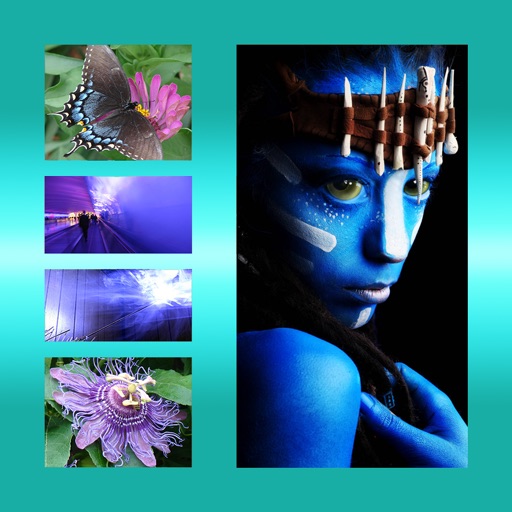
The app allows users to combine multiple photos into one framed picture. Users can adjust contrast, brightness, and saturation, add text, and apply effects.
Edit by selecting from the gallery or taking a new photo. Adjust images to a square format. Add text with customizable fonts, colors, and borders. Move, rotate, and scale text. on with finger input.
Allows users to apply effects to backgrounds. Select images from the gallery or capture new photos. Use multiple blurring tools to adjust the effect. Export edited images directly.