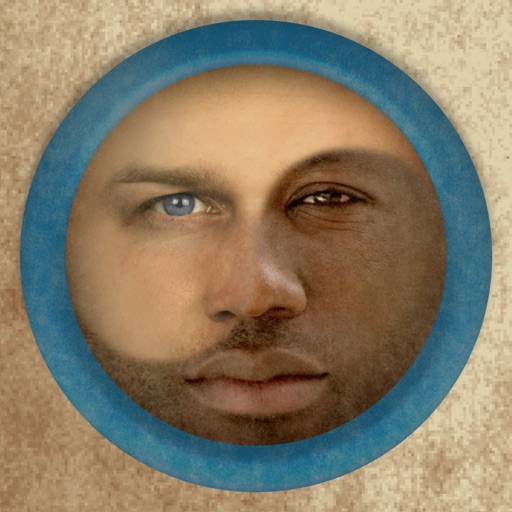
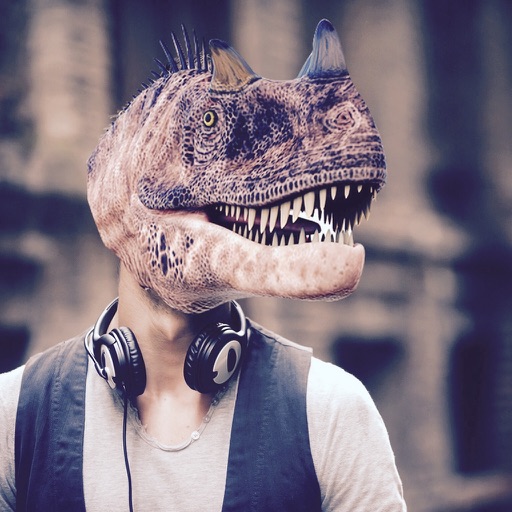
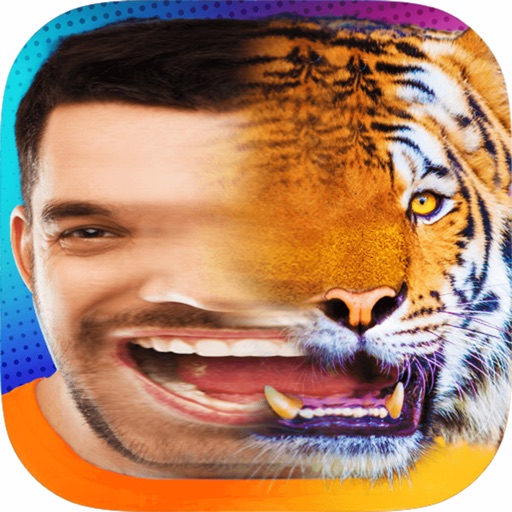
Edit photos by adding faces such as tiger, lion, bear, and giraffe. Choose from over 60 faces and objects like dinosaur and fish. Apply faces with a few taps and share edited photos directly.
by Quantis, Inc.★ 4.727 ratingsPhoto & VideoFreeData updated 2026-09-09
The app allows users to copy and paste faces or facial features between photos. Users can combine multiple faces, blend images, and apply filters to create unique photo compositions.
Add realistic dinosaurs to photos with tap-to-place features. Choose from over 60 species including Tyrannosaurus, Pteranodon, and Stegosaurus. Share edited photos on social media platforms like Facebook, Twitter, and Instagram.
Edit photos with one tap for HD clarity and natural beauty. Unblur faces and details, enhance multiple photos in batch, fix lighting and color, upscale images, reduce noise, and increase sharpness without over-editing.
COSMOS OYUN YAZILIM DANISMANLIK SANAYI TICARET LIMITED SIRKETI
Generate videos and photos with AI
Create AI videos and photos using text or image prompts. Generate realistic videos instantly. Swap faces and design content quickly. Export and share high-quality results.
Cut photos with AI to remove backgrounds and isolate subjects. them onto new backgrounds or other images. Swap faces between photos and add missing people to family shots. Create collages by combining multiple images.
Predict how faces will look as they age. Upload photos to generate aged versions. Adjust aging intensity and style. Share results via email, messaging apps, and social media. Includes features like shaking to trigger aging effects.
Predict future faces using AI technology. nd customize faces based on parental features. Explore multiple variations and save or share generated images.
Merge faces to create humorous mixed images with friends, family, or celebrities. Adjust facial features and proportions. Share results via email, MMS, Facebook, or Twitter. Use preloaded example pictures or upload photos.
Edit photos by selecting, cutting, copying, and pasting elements like faces or objects. Automatically remove backgrounds and add text overlays. Apply effects, save edits, and share photos directly.
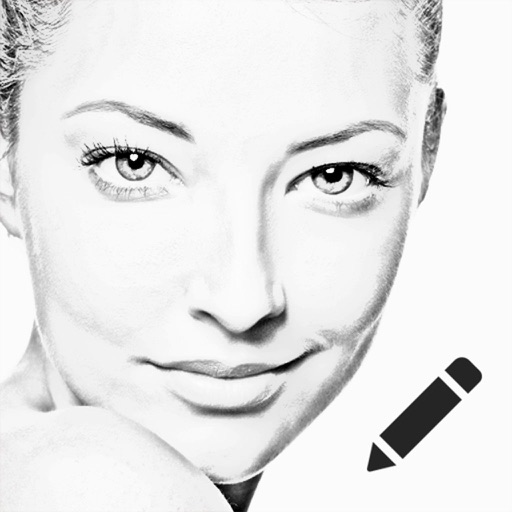
Create sketches using ink and effects. Preview effects in real time via camera. Adjust settings for optimal results. Capture photos directly within the . Share finished sketches on social media platforms.
Edit photos with AI muscle enhancement, reshaping, and face retouching. Add beards and hairstyles. Remove backgrounds. Reconfigure faces with AI reface. Adjust muscles, arms, and chest. Export edited images.
Faces in videos using AI technology. Select faces from photos or videos. Adjust alignment and expressions. Export edited videos in various formats. Share directly to social media or messaging apps.
Create morphs by blending faces in steps to transition between two images. Generate GIFs and videos of the process. Share the created content directly with others.
Blur faces or sensitive information with a single tap. Apply masks, adjust blur intensity, and resize or rotate blurs. Preview, save, and share edited photos. Protect privacy by blurring documents, license plates, or unwanted elements.