Kal enables typing of Fidel characters with double tap or slide gestures. It includes an advanced word prediction algorithm for Amharic dictionary to enhance typing speed. Users can access multiple keys through gesture inputs.
Customize text with colored icons, emojis, and decorative fonts in both Arabic and English. Share formatted text on social media. Use as a keyboard replacement for messaging apps. Apply visual effects and text art directly during typing.
Replace the default emoji with to access a wide range of emojis, animations, GIFs, and clip-art. Search and share content directly within apps. Customize layout and themes.
Customize lighting with RGB themes and color combinations. Adjust brightness and animation effects. Sync with device settings for dynamic lighting. Toggle LED effects during typing sessions.
Customize text with 3000+ symbols, Unicode characters, and color emojis. Choose from 170+ fonts and kawaii themes. Search symbols by keywords. Add stickers and kaomoji to messages and social media profiles.
Install and manage custom fonts for use across apps. Apply selected fonts in text input fields within compatible apps. Access fonts directly from the in supported applications. Sync fonts with devices and organize collections.
Symbol allows users to access special characters and fancy fonts for typing. It offers customizable themes and backgrounds. Users can design their and apply unique styles. It works across various apps like Instagram, WhatsApp, and Snapchat.
Type using a with offline functionality. Access smart auto suggestions while typing. Enable typing without granting full access to typed content. Supports complete typing on iPhone and iPad.
The app allows users to create and categorize custom phrases for their keyboard. Users can edit, hear, and translate text into over 59 languages, then share it across various platforms.
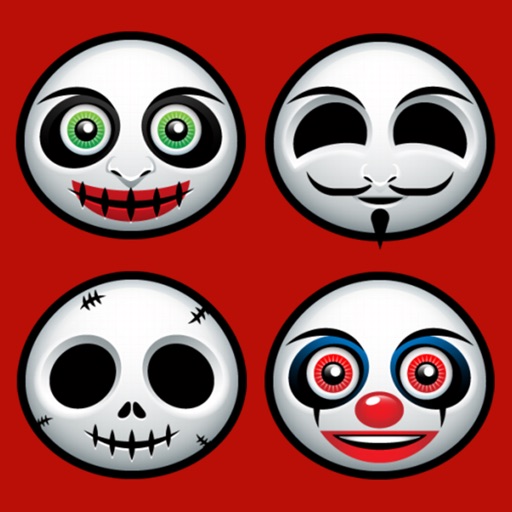
Send text messages with emojis and stickers sorted into categories like Common, , Halloween, Pumpkin, Skull, and Rage . Use them on platforms including Facebook, Twitter, WeChat, WhatsApp, Viber, and Kik.
Turn your iPhone or iPad into a trackpad and for Mac or PC. Use multi-touch gestures for precise control and scrolling. Access a full-screen with text shortcuts, emoji, and function keys.
Customize appearance with color, , and background options. Select from gallery or take a photo for background. Choose key shapes and styles. Add sound effects and personalize layout.