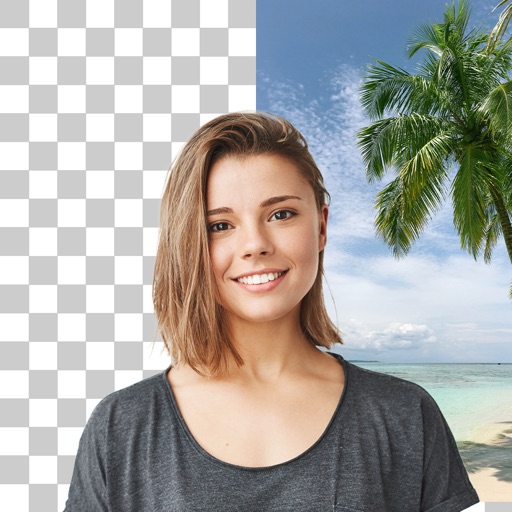
Edit photos with cropping, filters, and adjustments. Remove unwanted objects or people using the Magic tool. Replace backgrounds to create montages. Create collages with pre-designed templates. Export edited photos in multiple formats.
Resize photos to fit Instagram's format. Adjust dimensions and crop images precisely. Share edited photos directly to social media. Maintain image quality during resizing. Apply basic editing tools for optimal framing.
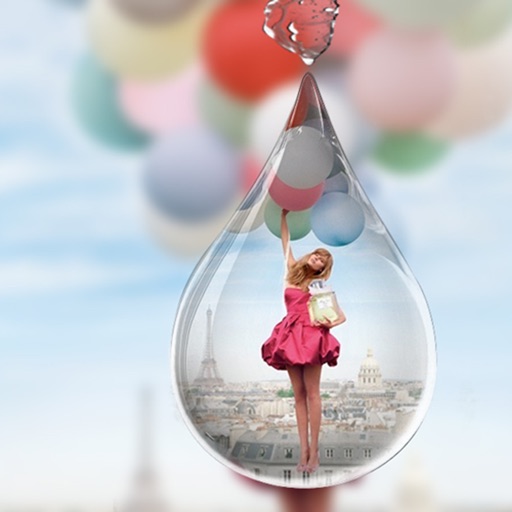
Create collages by placing photos within each other for a picture-in-picture effect. Blend images seamlessly to combine multiple photos. Edit photos with filters, cropping, and adjustments. Add text, stickers, and artistic effects.
The app offers photo editing with frames, stamps, and templates for business and greeting cards. It includes functions for collages, filters, text, and QR codes, supporting a special metallic layer for printing.
Edit screenshots by selecting and redacting text, highlighting key details, adding strikethroughs, and drawing freehand annotations. Adjust text appearance with styling options and export edited images.
Edit photos and videos with AI-powered tools to change faces, hairstyles, and body shapes. Create cinematic video and fantasy avatars. Retouch images and apply . Share edited content directly.
Create collages by arranging photos, text, and stickers. Edit images with cropping, filters, and adjustments. Design carousels to share stories. Add frames, borders, and backgrounds. Export and share finished projects directly.
Edit photos with cartoon filters, line art, and color effects. Adjust brightness, contrast, and saturation. Add text, stickers, and borders. Export and share edited images directly.
Arthur Eduardo Skaetta Alvarez Desenvolvimento de Software LTDA.
Blur backgrounds, enhance portraits
Edit photos with blur and AI-powered segmentation to isolate subjects. Apply multiple blur effects and adjust settings for precise results. Export edited images in various formats and share directly.