The app allows users to virtually paint walls on a photo using their finger. Users can experiment with different colors to see how they fit with interior design before actual painting.
Is a vector-based drawing tool for 2D CAD. Users can create lines, rectangles, ovals, arcs, polygons, and text. Freehand drawing with vectorization and spline tools is available. Objects have adjustable attributes.
The app recognizes text from images. Users can improve results by taking clear pictures in bright environments and cropping them to include only the target text.
Remove similar color backgrounds from images and save transparent versions to the camera roll. Erase using finger or wand tools. Zoom and rotate with two fingers. Crop photos and share to other apps.
Magnify text, images, and objects for detailed viewing. Adjust zoom levels and save captured images. Share magnified content directly. Enhance small font readability and capture high-resolution images.
Stream live TV and on-demand content with multiple playlists. Automatically group channels and select optimal players for each. Access EPG for scheduling. Use adaptive streaming for smooth playback. Monitor internet data usage during sessions.
Pollux Bilisim Teknolojileri Sanayi ve Ticaret Limited Sirketi
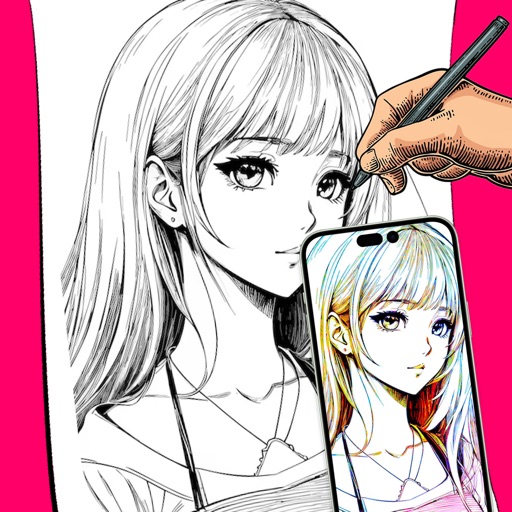
Sketch on photos with AR
Use AR to sketch and draw on photos with realistic ink effects. outlines or create pencil sketches from images. Convert photos into artistic drawings with AI-powered tools. Save and share finished artwork directly.
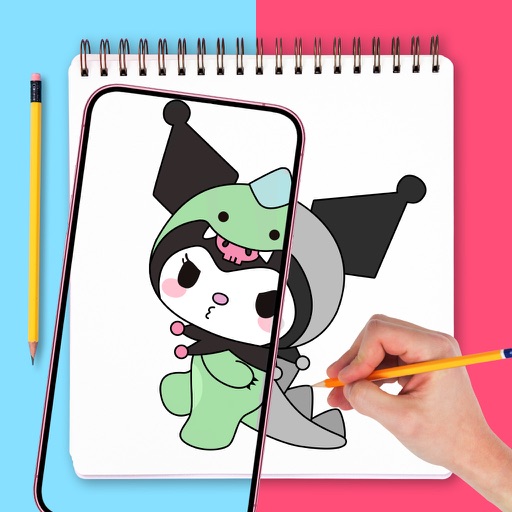
Use augmented reality to draw on any surface. Trace outlines, adjust colors, and add textures. Save and share drawings. Access tutorials for beginners. Export in various formats.
Edit photos with paint and drawing tools, blemish removal, and image enhancement features. Add text and stickers. Export and share edited images directly.
The app allows users to view GIS files, modify attribute tables, and add/edit points, lines, or polygons. It supports various import and export formats including shapefiles and DEM files.