
Doodle Coloring - draw & paint
An Banh
Freely with vibrant colors
Children can freely using a virtual notebook with crayons and brushes. They can sketch shapes, experiment with colors, and create without limits or templates.

Showing 161–180 of 1,000 ranked alternatives.
An Banh
Freely with vibrant colors
Children can freely using a virtual notebook with crayons and brushes. They can sketch shapes, experiment with colors, and create without limits or templates.
Brainytrainee Ltd
Learn colors, play, and develop skills
Learn colors through interactive mini- that teach name recognition and color mixing. Develop fine motor skills and visual memory with age-appropriate challenges. Track progress and reinforce learning through repeated gameplay.
Norbyte
Draw and with precision and creativity
Create art with drawing and painting tools including Standard Brush, Eraser, Serpentine Brush, Pulse Brush, and Confetti Brush. Adjust stroke properties based on Apple Pencil pressure and tilt.


yasuki watanabe
Convert photos into paintings
Convert photos and videos into paintings or hand-drawn animations using AI. Apply sketching or painting styles with adjustable textures. Save the artwork process as a video. Choose from five standard art tools.


Bluebear Technologies Ltd.
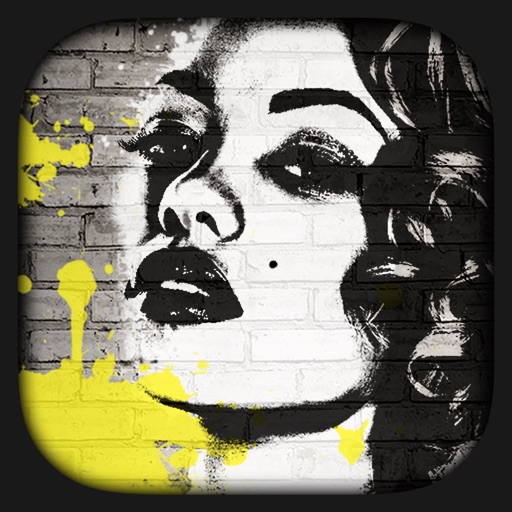
Transform photos into graffiti art.
The app transforms user photos into graffiti art. It offers adjustable paint filters and custom paint modes for detailed control.
Escape Motions, s.r.o
Create original artworks with particle brushes.
The app allows users to paint original artworks and light effects using particle brushes. It provides tools to mix colors and gradients, create custom brushes, and paint over existing photos.
Wirat Olanraktham
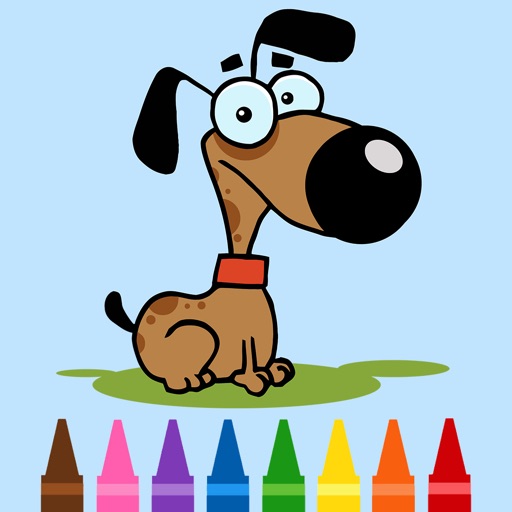
Color dog pictures with fingers or stylus
For allows painting dog pictures with fingers or stylus. Save and share completed artwork. Access a variety of dog images. Compatible with iPhone and iPad. Free to download and use.


TVGSOFT LIMITED
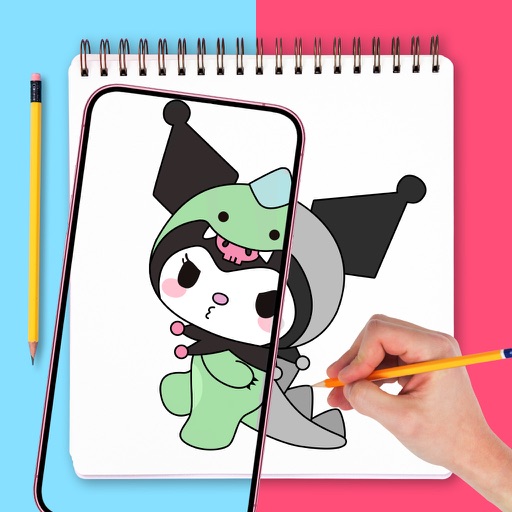
Draw with confidence, with precision
Use augmented reality to draw on any surface. Trace outlines, adjust colors, and add textures. Save and share drawings. Access tutorials for beginners. Export in various formats.

Inclusive Technology
Explore color touch sounds music
The app provides a finger painting experience with color, sounds, or music. It offers single-touch and multi-touch options to support various interaction preferences and skill development.


Iftikher Sultan
Take photos advanced controls
Edit photos adjustable temperature, tint, and exposure settings. Use texture blending tools and apply effects. Add stickers opacity and shadow control, and include text 3D effects and multiple fonts. Crop, rotate, and straighten images.
Apps are ranked by functional similarity, category fit, rating confidence, and popularity.