Create artistic images with single-tap camera effects and professionally designed filters. Adjust brightness, contrast, and tone curve. Blur and focus images. Rotate, crop, and resize photos. Add text and fun stickers.
by Quantis, Inc.★ 4.483 ratingsPhoto & VideoFreeData updated 2026-09-09
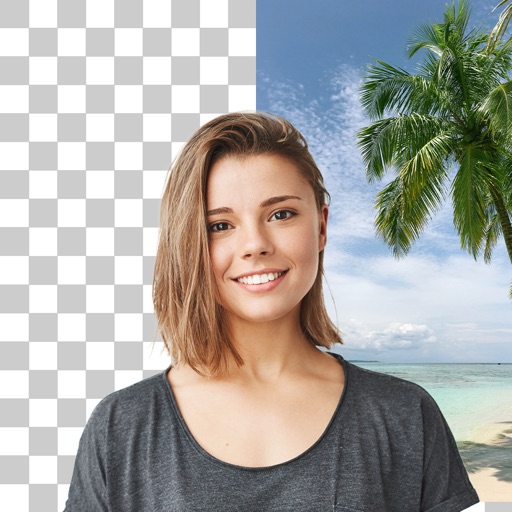
Create photo montages, collages, and custom . images by erasing, changing, or adding backgrounds. Cut people from photos and them onto new images. Decorate with personal photos and fun .
Edit images to remove backgrounds using AI. Cut out objects and replace them with new backgrounds. Adjust edges for smooth transitions. Share edited images directly.
Capture photos with a variety of frames including general, antique, fame, fun, heart, flower, kid, Christmas, Halloween, diamond, and gold. Use custom frames with adjustable transparency, hue, saturation, and brightness. Apply filters and effects.
Edit photos with one-tap tools including Gaussian, zoom, and motion . Adjust brush size and apply glass, crystalize, or pixel effects. Save edits in low or high resolution to camera roll.
Edit photos with tool to reshape body parts. Use reconstruct brush to adjust features. Resize , breasts, and waist. Add filters and effects. Save and share edited images.
Edit photos with high-quality resolution and advanced filters. Adjust brightness, contrast, and saturation. Add text overlays and stickers. Crop and rotate images. Export in various formats and share directly.
Edit photos with customizable HDR settings including effects, brightness, contrast, temperature, and hue/saturation. Capture high-resolution HDR photos in one click. View and manage HDR images in a dedicated gallery.
Apply vintage filters and presets to enhance photos. Adjust brightness, contrast, and saturation. Add film grain and color tones. Save and share edited images directly.
Create stereo 3D images by capturing or selecting two photos. Adjust depth using orange arrow buttons and shift function. Choose from multiple 3D display modes including color, gray, and side-by-side.
Edit photos with brightness, contrast, and saturation adjustments. Crop or rotate images precisely. Apply filters and effects for mood enhancement. Add text layers and stickers for design. Create logos using shapes, colors, and typography.
The app creates ID photos on a phone, optimized for Japanese requirements. It offers fine face adjustment, background control, skin retouching, and custom sizes.
The app offers over 80 Halloween-themed photo frames for users to decorate their pictures. It also includes stickers, labels, color effects, and bokeh effects for photo customization.
Edit photos with cropping, filters, and adjustments. Remove unwanted objects or people using the Magic tool. Replace backgrounds to create montages. Create collages with pre-designed templates. Export edited photos in multiple formats.