Apps Like MakeIt3D - 3D Camera for iPhone and iPad
Create 3D photos with anaglyph mode
Create stereo 3D images by capturing or selecting two photos. Adjust depth using orange arrow buttons and shift function. Choose from multiple 3D display modes including color, gray, and side-by-side.
by PHOTO3DLAB llc★ 3.311 ratingsPhoto & VideoFreeData updated 2026-09-16
Edit stereoscopic images with auto-alignment and manual adjustment of L/R positions. Import L/R independent, SBS, MPO, or spatial photos. Display in SBS, mirror, 2D, anaglyph, or wiggle modes.
Capture 4K HDR spatial videos and 12MP HDR spatial photos using iPhone 15 Pro series or newer. Preview content in parallel viewing, anaglyph, wigglegram, or cardboard mode. Stream spatial media to AR glasses or large screens.
The app displays stereoscopic images using various methods including SBS, Mirror, 2D, Anaglyph, and wiggle. It allows users to take L/R pictures with the internal camera, adjust image positions, and access over 1000 images from web galleries.
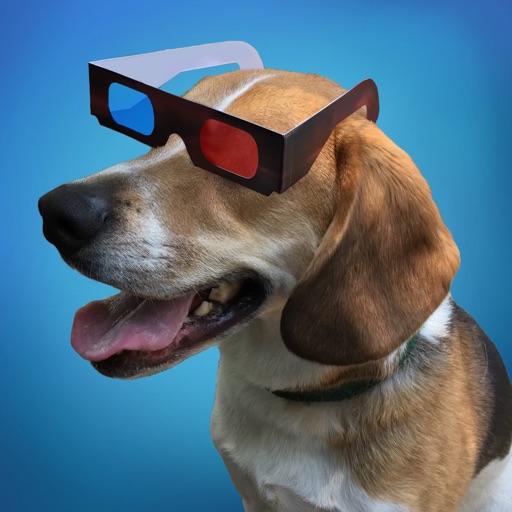
View 3D stereo photographs requiring red/cyan 3D glasses. Explore image packs of Florence, Venice, Vatican City, Rome, and Dogs. Adjust photo settings and share individual images.
View 3D images in various formats including MPO, Side by Side, Top/Bottom, and interleaved stereo pairs. Supports JPG, JPS, PNG, TIFF, animated GIF, and anaglyphs. Play slideshow from web pages or drag images from other apps.
Edit photos with enhancement tools, effects, and color splash. Add stickers, frames, and overlays. Create collages and custom drawings. Crop, rotate, flip, and straighten images. Adjust brightness, contrast, and saturation.
Create and edit drawings using various tools like Pen, Line, Arrow, Rect (Stroke/Fill), Ellipse (Stroke/Fill), Eraser, and Text. Choose from multiple colors including Black, Red, Green, Blue, Yellow, and more. Save or share drawings directly.
Capture photos and videos with manual controls, exposure adjustment, and focus customization. Import and organize media from iOS photo library. Edit images with filters, cropping, and brightness adjustments. Share directly to social media or email.
Lens Buddy Selfie Timer Photo Video Filter Camera LLC
Capture photos on your own schedule
Take photos automatically using a set time interval between shots. No need to press buttons or hold the device. Capture -portraits and group photos. Edit and share images directly from the . Sync with social media platforms.
The app allows users to shoot and view 3D photos with their iPhone. It offers a simple interface for capturing 3D images, including selfie mode and wiggle mode.