Apps Like Aspect Ratio Calculator for iPhone and iPad
Calculate dimensions with precision
Calculate ratios and adjust dimensions for images or screen areas. Input desired width, height, or scale to get matching dimensions. Maintain original proportions during resizing.
by BRIDGETECH SOLUTIONS LIMITED★ 0.00 ratingsDeveloper Tools$1.99Data updated 2026-09-09
Capture photos using a built-in camera and save them to selected albums. Create double exposures or use booth mode. Organize media into albums and browse for specific images. Edit photos with filters, cropping, and adjustments.
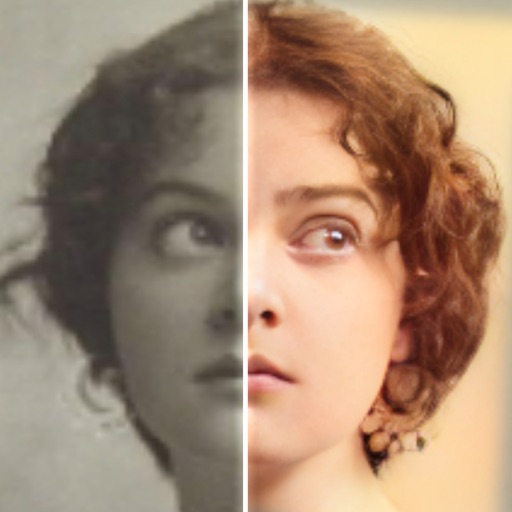
Edit photos with AI colorization, enhancement, and restoration. Remove scratches, tears, and blurs. Convert black and white images to high-definition . Adjust clarity and brightness. Share restored photos directly.
Crop and trim clips, split or duplicate segments. Adjust position, rotate, or flip. Apply filters and customize background color. Merge videos and change playback speed for slow or fast motion.
Create collages by selecting from hundreds of templates and custom layouts. Add photos, adjust ratios, and apply background patterns. Edit images with filters, crop, and add text or stickers. Share finished collages directly.
Create dynamic effects around the screen with rounded corners. Choose from Heart, Dot, and other customizable patterns. Adjust colors, width, and brightness for personalized settings. Works with notch-compatible devices.
Customize profile pictures for Instagram, LinkedIn, WhatsApp, Facebook, and other social networks. Add images, select color and width, adjust inset, and add custom badges. Export edited images for use across platforms.
Convert photos between JPG, PNG, HEIC, and PDF formats without quality loss. Select and add multiple images from various sources. Adjust compression settings and save or share converted files.
The app allows users to create commercial art mockups by uploading artwork and selecting from customizable interiors. Users can enhance portfolios, stand out on social media, and impress collectors with professional art mockups.
Create eye-catching thumbnails and channel art with customizable dimensions. Access a library of 500+ backgrounds and images. Add fonts from over 50 options and include stickers. Apply professional filters and use editing tools.
Remove backgrounds from photos using automatic eraser with machine learning. Identify and isolate people, animals, vehicles, and objects. Erase single-color backgrounds for chroma key effects. Manually adjust erased areas for precision.