Export contacts to spreadsheet files directly on the device. Save files in compatible formats for Excel or other spreadsheet apps. Share via email, messages, AirDrop, Dropbox, or Files.
by Technomagination, LLC★ 4.5307 ratingsBusiness$0.99Data updated 2026-11-15
Edit PDFs by directly modifying text. Scan and convert documents to PDF. Organize files, add annotations, and sign documents. Share and export in multiple formats. Sync across iPhone, iPad, and Mac devices.
Export format for and other compatible tools. Export all at once or select specific entries. Preview the file before sharing. Share or email exported files using preferred apps.
Scan documents into PDF files with auto-edge detection and multi-page support. Share scanned documents via email, text, AirDrop, and other messaging apps. Export in PDF format and adjust image quality settings.
For coaches allows recording lap, split, and total time. Use volume buttons to start and stop. Create and select participants. Add notes and comments. Clear time for next interval.
Create customizable with categories, sub-items, and notes. Add photos to list items. Set reminders and deadlines. Share with others. Sync across devices. Organize tasks with flexible structure and detailed tracking.
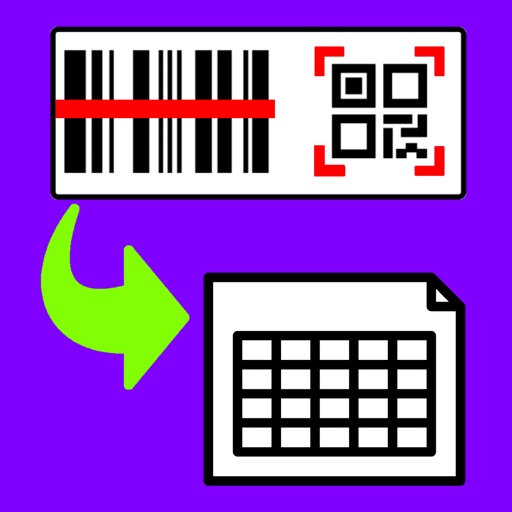
Barcodes to create spreadsheets for inventory, attendance, or event tracking. Email CSV or Excel XML files from iOS devices. Share data to Google Drive and open in Google Sheets.
Convert websites to PDF with one tap. Remove clutter for clean, readable documents. Share PDFs via email or export using Open In. Print files via AirPrint-compatible printers.
Convert videos to mp4 or mp3 from various formats. Import via Wi-Fi, AirDrop, iTunes, or Photos. Share converted files to Photos. or other apps. Access videos over Wi-Fi from other devices. No ads or in- purchases.
Documents into clear PDF or JPEG files. Crop and enhance scanned images automatically. Email, print, or save files to cloud storage. Share scanned documents directly from the .
Manage documents and files with a . Create and organize folders, copy and move files between locations, delete or rename items. Access trash for recovery. View general and detailed information about files and documents.