Capture, extract, and organize content automatically
Capture and analyze documents, photos, and notes with AI-powered text extraction, translation, and summarization. Chat with content to retrieve information instantly. Organize and manage captured data for efficient review and understanding.
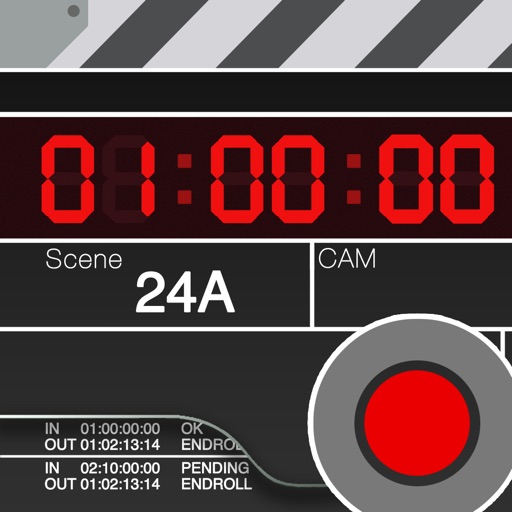
Is a clapperboard and recording sheet for image production. Users can input title, scene, camera, and director details. It includes clapper sound animation and supports global timecodes. Recording takes can be edited and saved in a list.
Send text, files, links, and media between devices. Copy and paste content across platforms. Transfer media to other devices for access. Sync content seamlessly across different ecosystems.
Write and edit text quickly with . Copy text easily. Access links and calendar events via smart actions. Use as a temporary writing solution for notes and reminders.
Use as . Type equations to see results instantly. Convert units by writing "198lb to kg". Create named values for reuse. Tap results to copy to clipboard.
Switch between AI models during conversations without losing context. Access multiple AI capabilities in one interface. Generate text, answer questions, and create content using integrated AI tools.
Create memos with a simple, no-frills interface. View character counts. Organize daily , shopping lists, and work tasks. Track household accounts and draft reports or meeting minutes.
Track and organize important life events such as birthdays, weddings, and vacations. Set reminders, add notes, and attach photos or documents. View event details and share updates with guests.
Store and retrieve passwords using a built-in password manager. Mark favorite passwords for quick access or search. data within photos using pixel changes to hide text, passwords, and files securely.
Summario provides instant summaries of YouTube content. Users can view key takeaways and TLDR versions of videos. Share summaries directly or save for later reference.
Track daily activities with customizable counters across multiple categories. Log entries through simple taps. View data in charts, calendars, or journals. Monitor streaks, tasks, habits, and other metrics.
Documents and save as PDF in a selected folder. Single tap to start scanning. Automatically detects and crops documents, fixes skew, and names files with timestamps. Uploads to without manual selection.
Store and manage 2FA codes and in a single vault. Add accounts by scanning QR codes or entering details manually. Auto-refresh OTP codes with countdowns and haptics. Copy codes with one tap. Organize entries using folders, search, and favorites.
The app offers professional PDF and TXT file management with features like multi-level zooming and swipe gestures. It supports sharing content as text, links, or photos via various services and includes zoomable keyboard support for iPad users.