Store poses for offline use. Browse categorized models and couples poses. View full-body photos with professional demonstrations. Search for specific positions. Share selected poses directly.
by 敬超 薛★ 4.36 ratingsReference$1.99Data updated 2026-09-09
Edit photos by typing descriptions to change outfits, body features, or backgrounds. Adjust specific image parts with AI. Swap objects and modify appearances. Export edited images directly.
Manage character builds by organizing and optimizing equipment for maximum effectiveness. Browse a comprehensive set catalog categorized by DLC, Crafting, Dungeons, and Trials.
Edit photos with stretching, squeezing, pinching, and prodding tools to create surreal effects. Apply advanced image manipulation techniques similar to professional software. Export edited images in various formats and share directly.
Browse and organize photos by products and collections. Search for images using the search bar. Crop photos to fit social media requirements. Save images to your device or share directly to social media platforms.
Generate realistic models and backgrounds for clothing
Create high-quality on-model product photos using AI-generated models and backgrounds. Customize body types, ethnicities, ages, and genders. Generate realistic scenes for clothing brands. Export images for use in marketing materials.
Read and bookmark Bible verses from both Old and New Testaments. Search for specific verses, highlight text, and add notes. Listen to audio versions offline. Navigate between books and chapters easily. Share verses directly.
Access for daily use including Sign of Cross, The Lord's Prayer, Hail Mary, Glory Be, and Apostle's Creed. Users can select and repeat , set reminders, and track prayer times.
Take photos with advanced camera functions and reshaping technology for leg-lengthening effects. Add cute and cool stickers from a large selection. Apply unique filters to enhance and stylize photos. Share edited images directly.
Clean and photos and contacts instantly. Swipe left to delete or right to keep items. important data offline without using cloud . Wipe selected photos or contacts quickly. Free up device space while maintaining privacy.
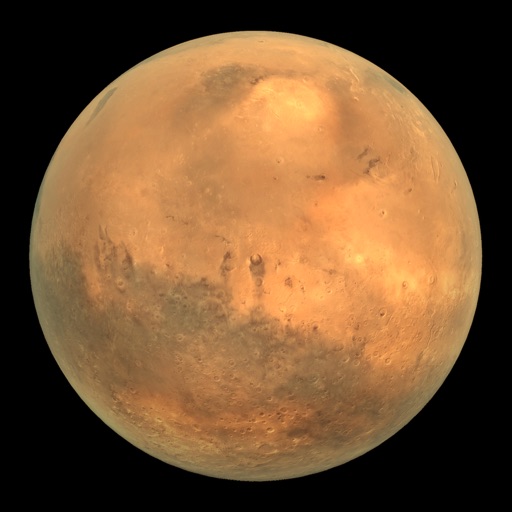
View Mars rover images in panoramic context with 3D options. Explore photos from Curiosity, Spirit, and Opportunity. Navigate terrain and compare images over time. Save and share selected views.
Check verb conjugations for all tenses and modes. Practice with exercises for each verb. Select preferred verbs, groups, and auxiliaries. Store content offline with no internet required.
Learn English words through daily categorized lessons. Use four unique learning systems for vocabulary building. Visual images aid memory retention. Listen to authentic American pronunciation. Enable infinite loop playback for repeated practice.
View historical , birthdays, and deaths by date. Search for famous people with the same birthday. Access offline data with links to Wikipedia for additional details. Navigate the calendar easily to explore specific dates.
Access and set 4K and full HD . Browse handpicked backgrounds featuring players like Messi, Ronaldo, Neymar, and Modric. Download and apply directly to device home screens. Search and filter by player name or category.
Find accommodation listings in Lisbon and other parts of Portugal. Browse properties categorized into four types based on client needs. Access stay information and local tips. Book stays and view property details.
Translate text, photos, and spoken words between over 100 languages. Use offline mode with downloaded language packs. Activate for real-time conversation translation. Share translated content directly.
Access verses in Haitian , , and Portuguese. Download for offline use. Search for specific verses. Highlight and bookmark passages. Share verses via email or social media. Switch between multiple versions.
Access cheat codes for GTA V across multiple platforms. View categorized lists of weapon, vehicle, and effect . Search for specific codes to enhance gameplay. Share cheat codes with other players.
Create before-after images by selecting two photos. Automatically arrange them in an optimal layout. Add customizable borders and a professional watermark. Include censor-bars on eyes for privacy. Share the final image directly.