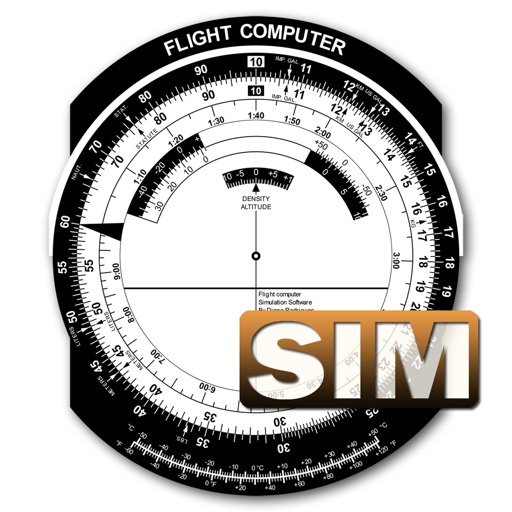
A utility simulates an E6B slide ruler for aircraft pilots. Perform conversions, wind corrections for low and high speed. Rotate, slide, and pinch zoom for precise control. Includes three calculation modes.
by Diego Rodrigues★ 4.529 ratingsUtilitiesFreeData updated 2026-09-09
Measure lengths with a ruler supporting metric and imperial units. Detect ambient noise levels using a decibel meter. Use a protractor tool to measure angles via the camera. Calibrate screens for accurate color display.
Learn and practice IFR procedures with realistic simulations. Navigate using charts and instruments. Practice approaches, holds, and instrument approaches. Track progress and review performance metrics.
Measure angles, check flatness, take real-size measurements
Measure angles with real-time sensor precision. Check surface flatness in horizontal and vertical orientations. Use an on-screen ruler for real-size measurements. Support both metric and imperial units.
Calculate landing speeds using Boeing’s FCTM procedures for 727 to 787 models. Input aircraft type and conditions to determine speeds. Supports Airbus and other jet aircraft as well. Store and recall frequently used settings.
Track VOR and NDB signals in real time. Practice holding patterns and radial interceptions. Simulate check rides and sim assessments. Adjust needle movements and receive feedback. View flight path and navigation data.
Measure angles of elevation, slope, and incline using device motion. Determine roll angles for vehicles and aircraft. Calculate roof pitch and antenna look angles. Align pictures and measure tape or chain slopes.
Navigation provides flight planning and in-flight calculations. Users can customize quick access buttons, configure units, and adjust keypads. Features include real avionics look, flight data entry, and performance calculations.
Distances and heights using the camera. Calculate surface area and perimeter. Generate 3D models from photos. Use a bubble level and slopes. Perform various geometric calculations with precise camera-based measurements.
Phone Usage displays device hardware details and activity. Monitor CPU frequency, memory usage, and network . View Wi-Fi hotspot info and carrier data. Track real-time system performance and resource consumption.
Calculate wind components, temperatures, altitudes, and airspeeds. Input runway number, wind direction, and speed. Determine headwind, tailwind, and crosswind values. Adjust for parallel runways based on magnetic heading.
Measure objects or distances using AR technology. Switch between units for accuracy. Create sketches with text editing options including size, color, and positioning. Share measurements and sketches directly from the .
Simulate RC plane flights with realistic models and environments. Choose from various aircraft and flying fields. Adjust controls for precise maneuvers. Save and load flight sessions. Access detailed tutorials and in- guidance.