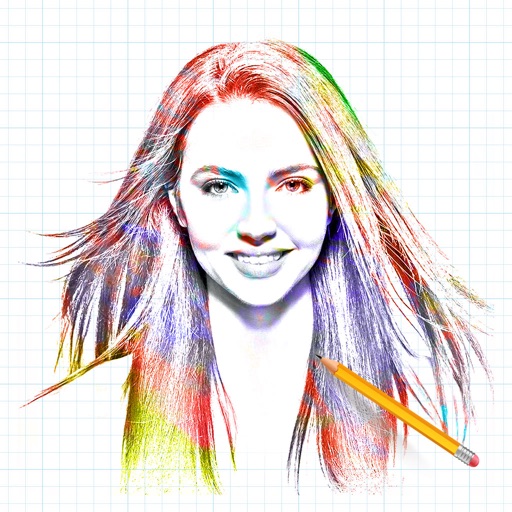
Apply effects to photos. Share edited images on Facebook, Twitter, WhatsApp, and Instagram. Adjust settings to customize the appearance. Save and export modified photos.
by Rachid ERRAZI★ 4.17,101 ratingsPhoto & VideoFreeData updated 2026-09-09
Edit photos with weather overlays, including rain, snow, and sun effects. Adjust transparency and blend modes. Share edited images to social media directly. Create custom weather-themed photo channels.
Create large tiled banners from photos for Instagram. Adjust size, add photos, and scale or move images. Save tiled banners to your album and upload to Instagram.
Edit photos with oil painting, sketch, and other artistic filters. Apply effects using AI-enhanced tools. Save and share edited images directly. View and manage gallery within the .
Merge faces to create humorous mixed images with friends, family, or celebrities. Adjust facial features and proportions. Share results via email, MMS, Facebook, or Twitter. Use preloaded example pictures or upload photos.
Create dynamic videos with real-time and transitions. Apply filters, adjust brightness and contrast. Add text, stickers, and music. Export and share directly to social media platforms.
Create holiday cards by selecting from 500+ , filters, and effects. Choose photos from your gallery or camera, add custom text, and share the finished card. Include festive elements like a fluffy Red Santa for fun.
Photos to save storage space. Adjust JPG compression strength and image size reduction. single images, multiple files, or entire albums. Preview compressed results before saving.
Edit videos by colorizing specific parts and adjusting brightness, saturation, and hue. Change of selected areas, adjust contrast and white balance, and apply vignette effects. Convert videos to black and white with retention in chosen details.
Create scary images by adding ghosts, snakes, and other effects. Crop and resize photos freely. Position and rotate guides. Apply effects and edit directly. Share via Facebook, Twitter, or email.
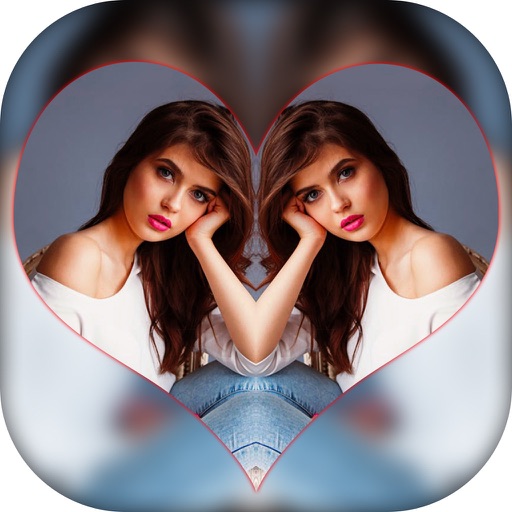
Create effects with left-right, up-down, reflection, and repeating options. Apply effects and designer frames to enhanced images. Edit and share -style photos with additional customization features.
Take photos with front- and rear-facing cameras. Apply real-time effects like Twirl, Light Tunnel, X-Ray, Squeeze, and Kaleidoscope. Share photos via AirDrop, Mail, Messages, iCloud, or social networks.
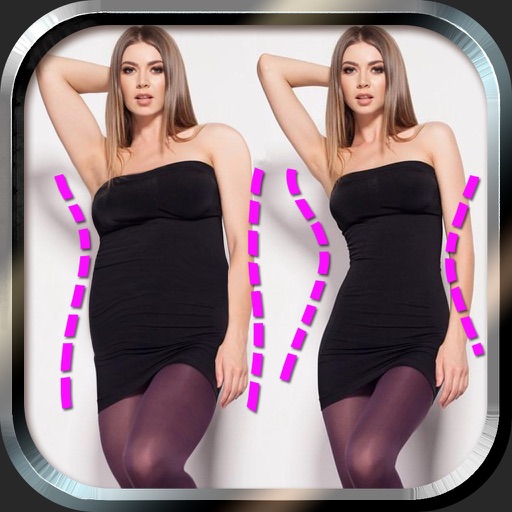
Edit photos to and body using auto-detection. Adjust and body thickness with sliders. manual edits and undo changes. Compare original and edited images. Save results to albums and share via email or social media.
Create short looping videos from live recordings or existing videos and photos. Adjust speed, add text, and apply filters. Share directly to Instagram, TikTok, Facebook, and other platforms.
Edit photos with monochrome, retro, and vintage . Apply effects to enhance visuals. Share edited images directly from the . Adjust brightness, contrast, and saturation. Save and export in standard formats.
Capture moments with customizable and color effects. Apply bokeh effects and stickers to enhance photos. Share edited images directly with friends. Edit and save photos with intuitive tools.
Create sketches from photos or camera captures with "," "Doodle," and "Hatch" styles. Adjust colors for black-white or vibrant results. Save images with a single tap. Share generated sketches directly.
Choose from multiple creative to enhance photos. Select images from gallery or capture new photos. Apply effects for realistic results. Share via Facebook, Instagram, WhatsApp, and other social media. Save high-resolution images.
Create layered collages by combining images with one click. Add special effects to draw or erase . Apply filters and frames to enhance visuals. Share finished blends directly to Instagram.
The app allows users to transform photos into artistic sketches. It provides options to apply frames and multiple effects to the created sketches before saving and sharing.