The app converts photos from the photo album or camera into vector graphs. Users can adjust borders during the conversion process and export the resulting SVG file as an email attachment.
by Jerry Juang★ 2.04 ratingsUtilitiesFreeData updated 2026-11-16
Create videos from photos with customizable templates and background music. Select from over 50 photo display templates. Export videos as Photo Film files and sync with iTunes or save to computers.
Create collages with 106 adjustable layouts and 31 irregular designs. Choose from 18 frames and 36 backgrounds. Customize borders with color and shape. Edit photos using a built-in PRO editor.
Create artworks by filling images with shapes using compound paths, groups, or bitmaps. Apply various galvanization methods and settings. Import files in PDF, AI, EPS, and image formats. Export to PDF, PNG, JPEG, GIF, TIFF, and JPEG2000.
Create custom laser-cut boxes by defining size, material, and joint style. Add a lid and customize its fit and appearance. Preview the layout and export as SVG or PDF for further processing.
Convert documents and images between supported formats. Select files from device storage or photo library. Choose target format from list including PDF, DOC, JPEG, PNG, and more. Preview converted files before saving.
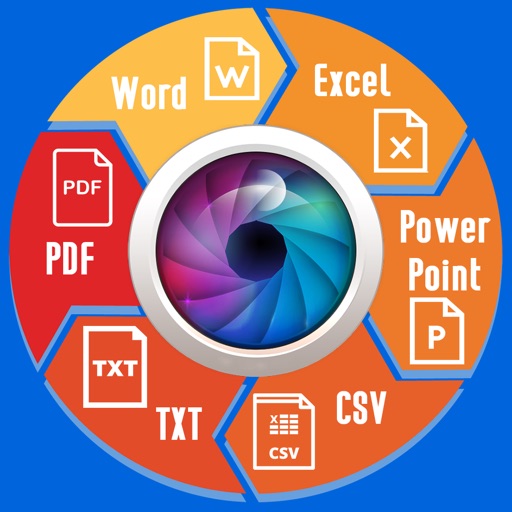
Extract text from scanned images and convert to Word, Excel, or PDF. Edit extracted content in Word or Excel. Convert tables and format from images to Excel or Word. Save as text files or PDFs. No registration required for conversions.
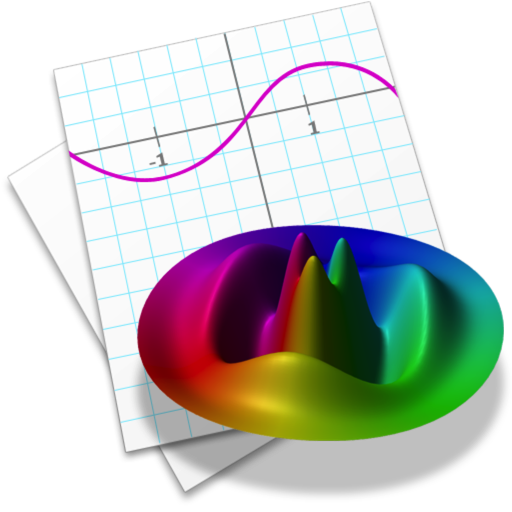
The app graphs equations in two and three dimensions, including explicit functions, implicit relations, and parametric curves. It supports various coordinate systems and allows for numerical, graphical, or symbolic equation solving.
Convert photos into limited-color posters with a effect. Apply filters to adjust colors and brightness. Share images on social media platforms like Facebook and Twitter. Save or email the edited photos directly.
Create -style images from photos using AI-powered filters. Apply effects like toonify, child, and yellow head. Edit faces and generate 3D avatars. Share edited images directly.
Secure private photos with PIN or biometry access. Store family images, important documents, and sensitive files. Protect driver’s license, ID, and credit card copies. Access across phones and tablets. Simple PIN setup and intuitive interface.
See color values in real-time using the camera or convert photos to grayscale. Measure lightness of specific points. Apply grayscale filters for sketching. Helps with grayscale art and contour line practice.
Convert negatives to digital photos with high resolution. Edit images with advanced tools including filters, cropping, and adjustments. Save and share edited photos in multiple formats.
Create cards customizable sizes, fonts, and color palettes. Add photos, stamps, and choose from presets. Air print, email as PDF, or save to photo album.
Scan QR codes and barcodes including UPC, Code39, EAN13, EAN8, Code93, Code128, PDF417, Aztec, and ITF14. Use scan with autofocus or photo scan to read codes from images. Generate QR codes and barcodes. Activate flashlight during scanning.