Convert documents to PDF by scanning with the phone's camera. Automatically detect and correct page edges for straight alignment. Choose full-color, grayscale, or black-and-white scan modes.
by Qrayon, LLC★ 4.7472 ratingsBusiness$4.99Data updated 2026-11-02
Decode QR codes containing contact details, text, URLs, phone numbers, and calendar events. Scan and read Data Matrix codes. Browse products and coupons. Add contacts directly to the address book. Store unlimited scan history. Share scans via SMS.
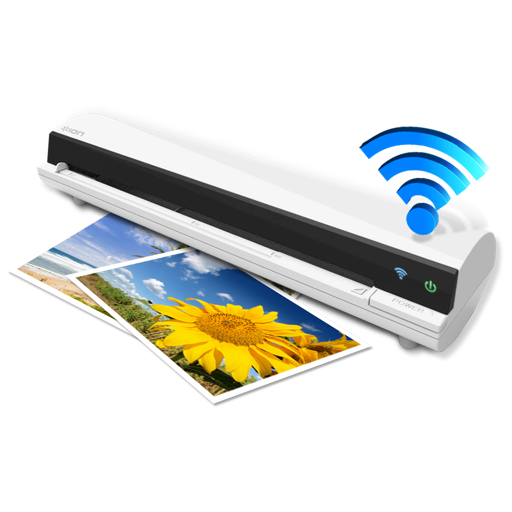
The app works with the ION Air Copy hardware, a portable Wi-Fi scanner. It scans photos, receipts, business cards, notes, and documents up to US Legal size directly to a Mac, then shares them via email or social networking.
Digitize documents with high-quality scanning and automatic cropping. Convert to PDF with OCR text extraction and audio reading. Encrypt and password-protect files. Add digital signatures to secure documents.
Scan documents, barcodes, and QR codes with a single . Automatically crop, process, and correct scanned images. Save and share scanned files directly. Organize scans into folders and access them offline.
Arthur Eduardo Skaetta Alvarez Desenvolvimento de Software LTDA.
Photos and save to albums
Documents and photos using the device camera. Save scanned images to the camera roll or organize them into albums. Automatically crop scanned images by detecting paper edges. Adjust brightness and contrast for clearer scans.
Create, edit, convert, and scan PDFs directly on any device. Edit text and images, adjust layouts, and add annotations like highlights and sticky notes. Convert to PDF and share edited documents securely.
Convert documents to high-quality PDFs by scanning with the device's camera. Edit scanned pages, add notes, and share files via email or cloud services. Organize and annotate PDFs directly within the .
Documents and images to create PDF or PNG files. Save scans to device storage. Share files via email or cloud services like OneDrive. Batch multiple items for efficiency. Apply filters to enhance quality.
Scan documents using an all-in-one . Live scan paper documents and save digital copies. Access scanned files from the Photos library. Organize with folders and manage scan history. Edit previous scans and share documents as PDF or JPEG.
Allows users to scan physical documents into digital formats. Features include automatic detection, cropping, and saving as PDF or image files. Users can annotate, add text, and share scanned documents via email or messaging apps.
Convert physical documents to high-quality PDFs by scanning with the camera. Correct image distortion using smart calibration. Export scans and share files directly.
Scan documents into high-quality PDFs with AI-powered text recognition. Extract and search text from scanned files. Organize documents into folders. Use an AI assistant to answer questions about scanned content.