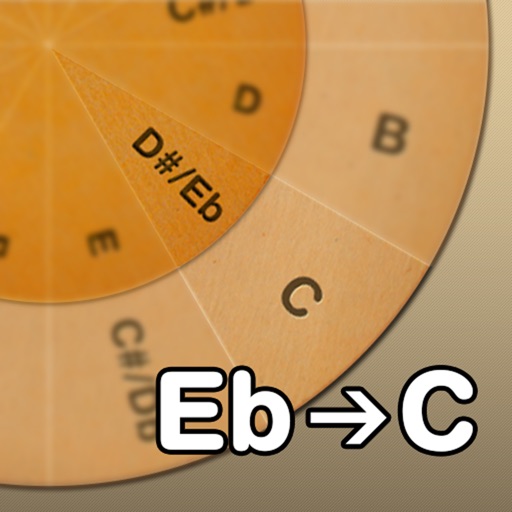
Adjust musical keys by rotating wheels to match original and target keys. Transpose chords for guitar players using capo positions. Modify song pitch to suit vocal range or instrument tuning.
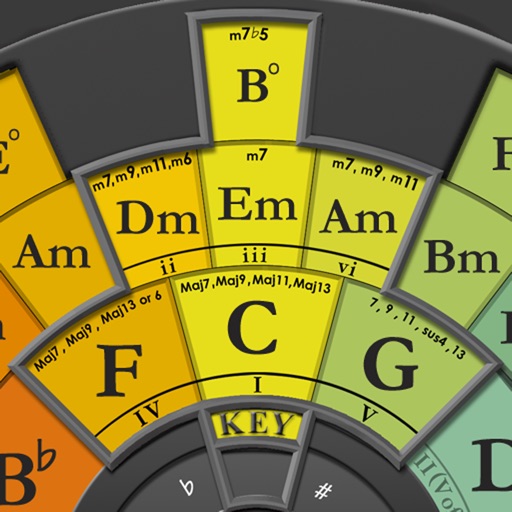
Create chord progressions by clicking on the circle of fifths. Practice musical sequences in 4-12 measures across all 12 keys. Choose from various grooves and repeat progressions for practice. Export or share created sequences.
Recognize musical and chords by sound. Play games to identify pitches and intervals. Progress from simple to advanced levels. Track progress and compete with others. natural and their sharps/flats through interactive challenges.
Music "Select musical keys using a circle of fifths interface. Display major and parallel minor scales. Adjust visible section with sliders. Choose note name language between German, English, or Italian."
Learn to identify notes and chords by ear. Practice playing without sheet or tabs. Understand theory through real-world examples. Create and improvise spontaneously. Track progress and access daily learning resources.
Access ukulele with detailed fingering and audio examples. Search for via built-in tools or Spotlight. View multiple chord positions and learn suggested finger placements.
Create and play music with chord circles and strum keys. Switch between major and minor keys. Play scales and set auto-accompany with drums, bass, and arpeggiators. Record performances and share them.
Turn your iPhone or iPod Touch into a musical instrument. Select chords and strum strings with fingers to create arpeggiated sounds. Edit and share songs, use MIDI support, and transpose notes with in- purchase.