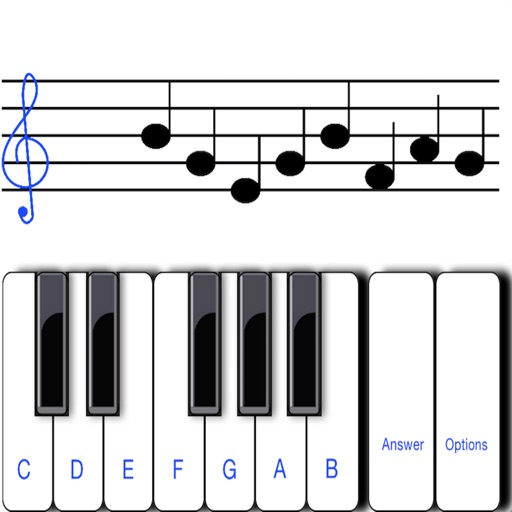
To sight notes in G and F clefs. Practice notes across six octaves, including those above and below the staff. Randomly generated notes apply to any instrument. Switch clefs for varied practice. Beginners can limit octaves and set their pace.
Find chord diagrams for guitar, ukulele, and mandolin. Enter chord names to view different voicings or adjust diagrams to identify new chords. Hear how each chord sounds. Supports alternate tunings.
Create and play chord progressions in various musical styles. Add chords, select instrument tracks, and hit play. Experiment with arrangements and mixes using piano, guitar, synth, bass, and drum tracks.
Play and customize sounds with realistic sampling. Adjust tuning, dynamics, and registration settings. Load and save presets. Connect to MIDI devices and control via touch or keyboard. Share performances and recordings.
Learn to identify chord progressions using real audio clips. Practice with 500+ clips that mimic actual musical contexts. Play back chords and progressions to test recognition. Receive instant feedback on accuracy. Track progress over time.
Create and edit sheet music with multi-track tabs and chord charts. Playback compositions and adjust notes by touch. Compose music using touch gestures. Learn notations through interactive features. Sync with Apple Health for progress tracking.
Helps users tune instruments, learn chords and scales, and explore alternate tunings. It includes a tuner with ear training, chord charts in multiple positions, and over 150 scales.
Provides chord charts and a chord selector for guitarists. It includes all 28 modes with visual representations of each mode’s unique shape. Users can explore and modes for practice and reference.
The app allows users to play chords by tapping buttons and strumming. Chord buttons can be reconfigured for over 150 chords per key, and users can experiment with picking melodies.