Edit images and videos by selectively recoloring elements. Extract objects, shapes, and text using tracing, magic eraser, and recoloring tools. Deform and extracted elements with distortion tools.
Create pixel art with layer editing tools including alpha sliders, hide options, copy, and merge down. Animate with onion skinning, alpha controls, and live preview. Export as PNG, GIF, or JPG with support for animated GIFs and sheets.
Select and edit photos to add . Choose from various cap styles and position them on the head. Adjust cap fit and appearance. Save and share edited images.
Create directly from your device. Select from common photo formats like 4.5x3.5 cm and 2x2 inch. Customize ID dimensions. Save, print, or share for documents and passports.
The app moves photos, videos, and Live Photos from a computer into the Photos app on an iPhone or iPad. It preserves original quality, capture dates, and locations when available, transferring over Wi-Fi using a web browser.
Create seamless patterns using 17 symmetry types and 23 templates. Draw with 18 brushes including pencil, liner, and airbrush. Use symmetry guide lines to align designs. Export patterns in multiple formats.
The app allows users to change a monochromatic background into any image. It offers tools to manually remove backgrounds without a green screen and includes features like auto-enhance, drawing, stickers, text, and various photo effects.
Store media files securely with password protection
Store and manage media files securely with encryption. Upload photos and videos, save notes, and hide contacts. Browse the web incognito without history. Access data via PIN, FaceID, or TouchID. Protect sensitive information from unauthorized access.
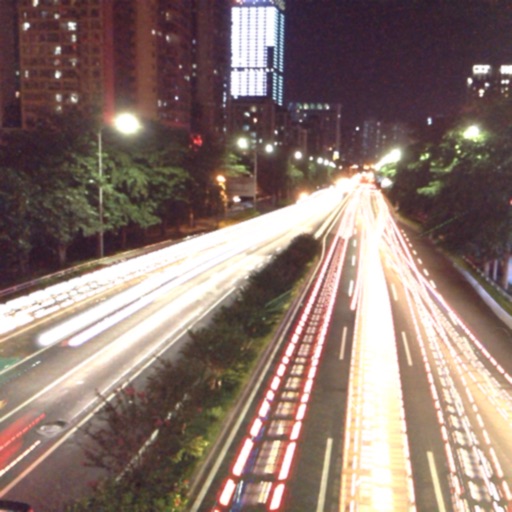
The app captures photos using slow shutter speed effects to create light trails and streams. Users can control exposure time and focus for motion blur photography.
Create custom Wars opening crawls by entering text, episode names, and opening sentences. Adjust text size, speed, background images, and music. Share videos or GIFs via email or social media. Upgrade to change the crawl title.
Create clouds by selecting color themes, fonts, and layouts. Choose from six layouts including horizontal, vertical, and half and half. Input text to generate clouds where common words appear larger.
Edit images with filters, cropping, and adjustment tools. Resize images by setting width and height. Export multiple images as a single PDF file. Add text and stickers to photos. Save and share edited images directly.
The app allows users to capture long-exposure photographs, creating images of moving objects. It offers features for capturing waterfalls, ghost photos, light trails, and low-light conditions with adjustable settings.