Create flashcards for classroom use with simple design and image support. Save up to 300 cards. Randomize order and flip cards. Use with TV for large screen display. Compatible with iPad. Double-tap to end card view.
by Yuki Kubota★ 0.00 ratingsEducationFreeData updated 2026-09-09
Create for vocabulary or other content. Edit cards with rich text and add images. Import via CSV or Markdown files using iTunes, iCloud, or Dropbox. Use dict.cc to search and select answers for vocabulary learning.
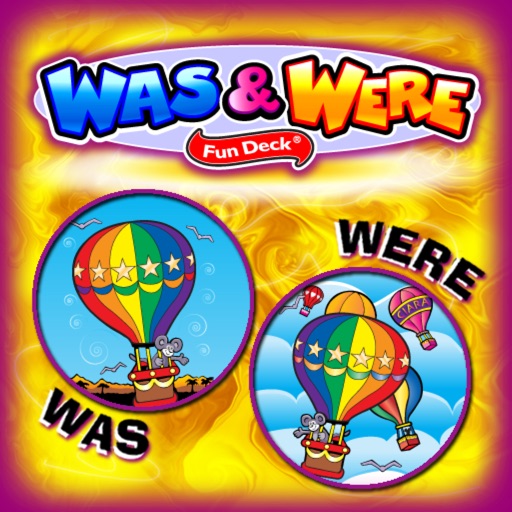
Provides illustrated flashcards with audio support for practicing "was" and "" verb forms. Users can select cards, display prompts, and have students fill in blanks. Automatic scoring is available for immediate feedback.
Learn with interactive flashcards featuring words, English translations, sample sentences, and audio pronunciation. Take quizzes, play matching games, and test knowledge with built-in assessments.
Medical "Review 101 cards with fast facts and critical thinking questions. Learn medical terminology, pathophysiology, and pediatric topics. Prepare for or refresh NREMT exam knowledge."
Practice vocabulary with illustrated flashcards and audio pronunciations. Select cards to display and complete fill-in-the-blank prompts. Focus on categorizing and describing items. Track progress through repeated practice sessions.
Documents, receipts, invoices, and business cards with high-quality scans. text, add notes, and organize files. Export as PDF or image formats and share directly.