
FlashBuddy - Flashcards
Create with rich text and images
Oleg Mueller
iPhone Screenshots




Description
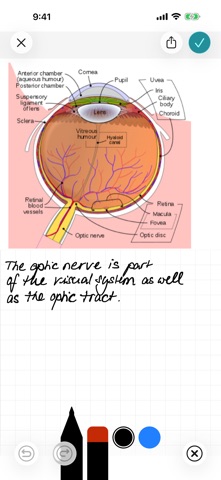
Create for vocabulary or other content. Edit cards with rich text and add images. Import via CSV or Markdown files using iTunes, iCloud, or Dropbox. Use dict.cc to search and select answers for vocabulary learning.
Learn vocabulary, prepare for exams, or retain knowledge — FlashBuddy makes studying with flashcards simple and effective.
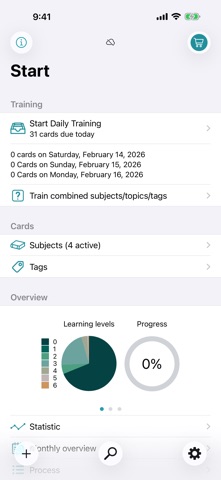
Smart Learning System
• Spaced repetition — cards are reviewed at optimal intervals
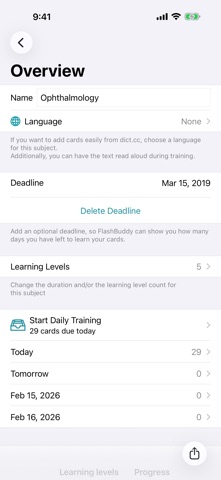
• Customize levels and intervals per subject
• Daily reminders and due card count on the app icon badge
Create Cards Effortlessly
• Rich text editor with formatting and unlimited images
• dict.cc import — search vocabulary and add as cards instantly
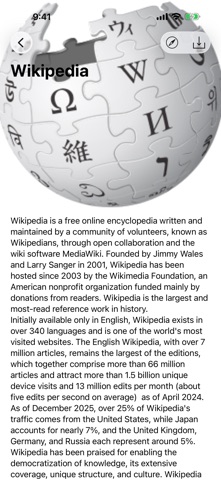
• Wikipedia import — search articles and create flashcards
• CSV and Markdown import from other apps (Anki, Quizlet exports, etc.)
• Share cards with other FlashBuddy users — including layout and images
Organize Your Knowledge
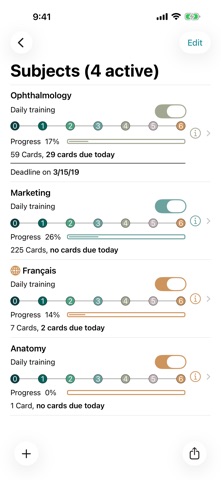
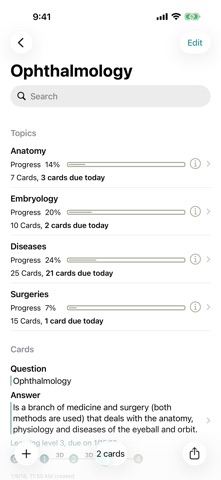
• Subjects, topics, and tags for flexible structure
• Study by subject, topic, or tag
• Set exam deadlines — FlashBuddy shows remaining study days
• Query by question, answer, or random
More Features
• Detailed statistics: progress, level distribution, success rate
• Text-to-speech for vocabulary
• Apple Pencil, Split Screen, Drag & Drop (iPad)
• Keyboard shortcuts in editor and training
• CSV and card export, backup function
• Dynamic Type for optimal readability
Free with up to 25 cards. Unlimited with in-app purchase.