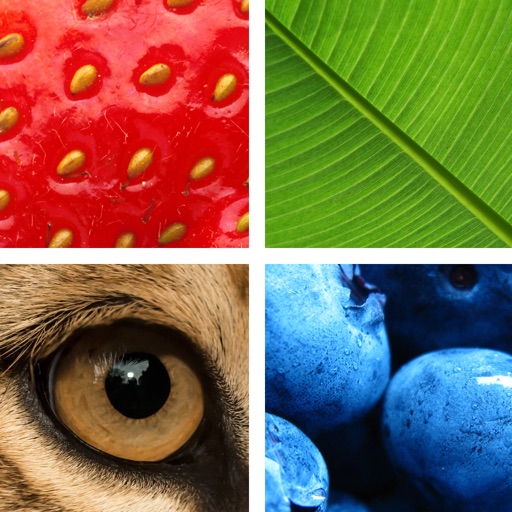
Enlarge text and images for better visibility. Adjust magnification levels and use autofocus for clear details. Freeze the screen for comfortable reading. Access a built-in flashlight for improved visibility in low light.
by Zipo Apps Ltd.★ 4.6244 ratingsUtilitiesFreeData updated 2026-09-09
Adjust brightness, customize colors, set background
Adjust screen brightness to control illumination. Choose from customizable background colors or static/dynamic images for the . Use flash for quick illumination. Set brightness levels and background preferences manually.
Play by matching pairs of identical images to make them disappear. them to form lines and collect stars based on line length. Use items to assist in solving levels. Track progress and challenge memory with various image collections.
Magnify text and images up to 16x for clear viewing. Zoom in and out by sliding or pinching. Move the function bar to adjust position. Read documents, menus, and printed materials easily.
Capture photos and record videos without activating the . Use autofocus, image stabilization, and scene recognition for clear, well-composed shots. Record in low-light conditions without disturbing the surroundings. Share media directly from the .
View satellite aerial images of your location with one-tap access. Zoom in up to 32x using full-sensor resolution for clear, detailed images. Capture and save high-quality photos with real-time zoom and stabilization.
Allows manual adjustment of exposure up to 1 second. It separates residual and ISO enhancement for improved clarity in low- conditions. Users can tap to focus and capture clearer images during daylight or in dark environments.
Allows users to their iPhone to a TV over WiFi. Users can connect both devices to the same network and stream content in real time. The supports mirroring for videos, photos, and presentations.
Determine location using GPS and MGRS coordinates. Display latitude, longitude, and altitude. Show 16 main directions. Operate offline. Suitable for camping and outdoor navigation.
Allows users to project sketches onto surfaces using their phone's camera. Users can projected images onto paper, walls, or objects. The enables customization of drawing settings and provides real-time feedback during tracing.
Create photos by setting diameter in pixels, millimeters, centimeters, or inches. Import or capture photos, zoom, and move images. Edit with filters, focus, effects, and text. Adjust colored borders. Save, print, email, or share the final image.
Magnify text and objects with adjustable zoom from 1x to 32x. Use AI to enhance clarity and detail. Adjust brightness and contrast for better visibility. Share magnified images directly. Sync with devices for consistent use.