The app allows users to play videos from webpages onto a TV. It mirrors webpages on the TV by using an extension within Safari and sending webpage information to streaming media devices like Chromecast.
by MiAe Hyun★ 3.2167 ratingsUtilitiesFreeData updated 2026-11-14
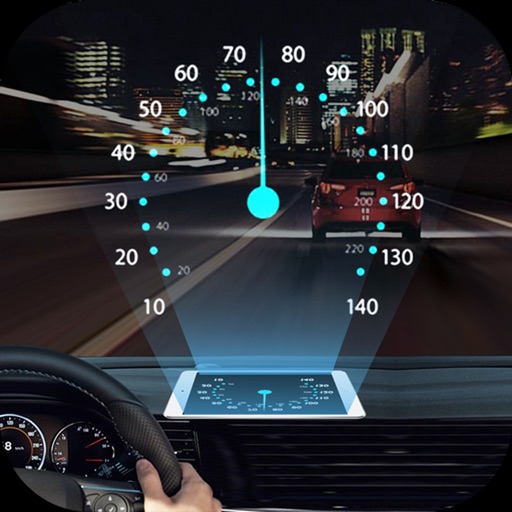
Projects speed, clock, weather temperature, cruise control, and now playing song information onto the windshield when iPhone is rotated and placed near the windshield. Displays data in landscape mode for easier visibility while driving.
Stream media files from iOS devices to Smart TV wirelessly. Choose photos or videos to display instantly on the TV. Transfer files via iTunes for playback. No setup required for streaming.
Read scripts smoothly with a effect. Record high-quality videos while scrolling text. Convert photos into editable scripts using image recognition. Trim and refine recordings within the . Share finished videos directly.
Access files from multiple cloud accounts and your device in one place. Search across all connected storage locations. Invite friends to share space and access files seamlessly without managing multiple apps.
Cast phone screen to TV for real-time mirroring. Stream videos, photos, and live content. Support screen sharing between devices. Connect to TVs, monitors, and projectors.
Cast phone content to a TV with high quality and low latency. Share photos, videos, and games in real time. Supports iPhone and iPad devices. Connect to any big for viewing.
CastMaster allows users to cast videos, music, and photos to large devices. It automatically scans for devices and enables manual connections. Users can browse media smoothly and control playback for high-quality sharing.
TV functions such as volume, channels, and input sources from a smartphone. Connect via Wi-Fi to compatible TV brands. Adjust settings and manage streaming or gaming sessions remotely.
Allows users to their iPhone's display on a smart TV. Users can stream photos, videos, and music in real time. The enables screen mirroring via a Wi-Fi connection.