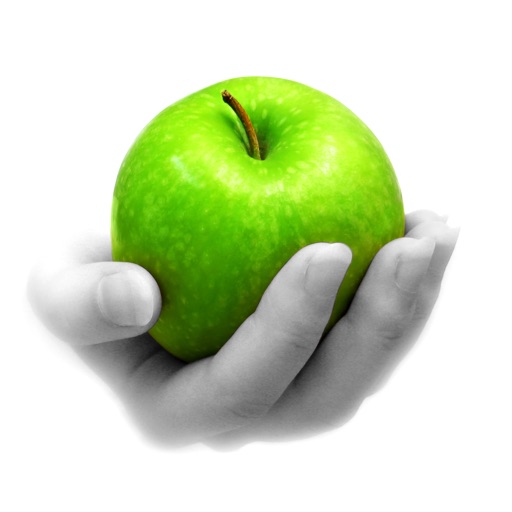
Convert grayscale or black and white images to using selective recoloring. Select and capture images, pan and zoom for precise editing. Adjust brush size and opacity. Apply 200+ filters. Preview changes in real time. Redo or undo edits.
Analyze aging progress with facial recognition. Apply trendy hairstyles and colors instantly. Animate selfies and photos with singing effects. Edit videos with high-quality templates and transitions. Create cartoon self-portraits.
Create art using realistic and watercolor effects. Draw with tools like marker, airbrush, crayon, and eraser. Apply fluid-based watercolor effects in the full version. Adjust colors and blend textures for detailed illustrations.
Combine elements to create new ones starting with air, water, earth, and fire. Choose language to learn new words. Play with intuitive one-click controls. Enjoy unique music and visual effects. Discover a large variety of elements.
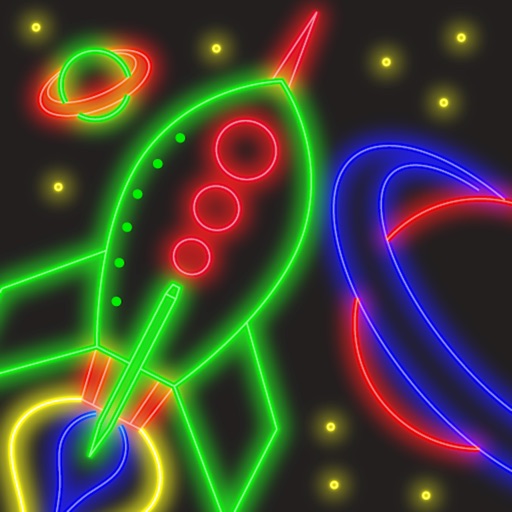
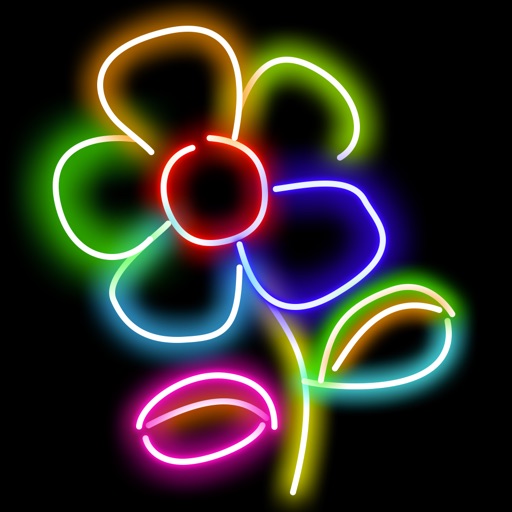
Create art with customizable neon effects and vibrant color palettes. Draw freehand or use pre-designed templates. Add text and stickers. Save and share creations. Integrate with classroom tools for educational activities.
Draw on a white canvas with a single black brush. Each stroke fades as more is added. No erasing needed. Create continuous, ephemeral art without concern for skill level.
Edit photos by converting them to black and white while retaining selected details. Use multi-touch gestures to paint areas in black and white or restore original colors. Zoom in and out with two-finger pinching. Adjust and export edited images.
The app offers a universal painting experience for all ages with 140 unique brushes and special drawing modes. Users can create artwork in seconds using a variety of colors and effects, with options for saving and exporting creations.
Create drawings using a brush tool and customize colors. Access educational content and activities for all ages. Unlock premium features with a weekly subscription. Share completed artwork.
Create mixtures by dragging and dropping basic colors onto a canvas. Combine RGB, black, white, or other hues to form new shades. Match resulting colors to pieces displayed above the screen.
Create characters by lines and choosing from various colors and brushes. Use specific tools like a purple glowing brush for wings or red dots for hair. Replay the creation process to relive the experience.
Play a match-3 puzzle game with power-ups and combo rewards. Collect and upgrade characters. Unlock new levels and story chapters. Compete in leaderboards and share achievements. Customise characters with skins and abilities.
Create mandala paintings using vector-based tools. Zoom smoothly for precise details. Choose from various colors and brush styles. Save and share drawings directly. Adjust layer settings for customization.
Create and edit drawings with a variety of colors and brushes. Sketch freely and refine details. Save, share, and publish artwork. Include step-by-step process for each drawing. Export in multiple formats and share directly.