The app allows users to create digital art using various brush styles and effects. Users can save their creations to a gallery or share them via email, Facebook, and Twitter.
by Paulius Vindzigelskis★ 2.01 ratingsEntertainmentFreeData updated 2026-11-12
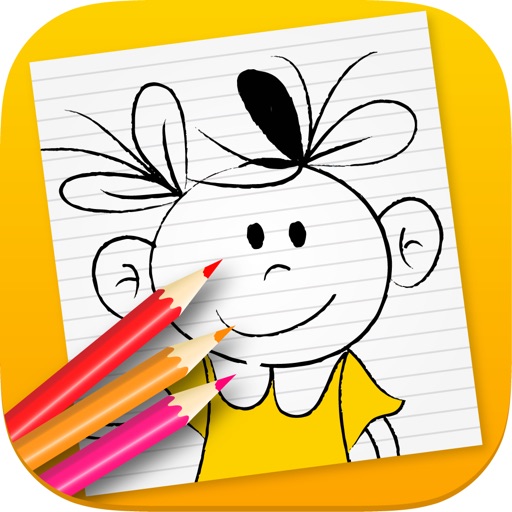
The app provides step-by-step instructions for drawing various subjects like animals, cars, and cartoon characters. Users can follow simple steps to create complete pictures or draw directly on the screen.
Apply AI-powered style filters to personal photos or designs. Generate unlimited creative variations. Save favorite results to the gallery. Share creations in a community hub. Access new visual styles through regular updates.
Edit images with shape drawing, text box insertion, and editable bounding boxes. Import images via drag-and-drop. Use pen tool, leaf brush, and brush tool for detailed edits. Adjust distortion and apply transformations.
The app offers over 30 coloring pages featuring animals, alphabets, and numbers. It provides 35 colors and introduces basic words, enhancing creativity and animal knowledge.
Create personalized gamepad art using spray paint and tie-dye techniques. Select colors and patterns to design custom gamepad covers. Listen to sounds for a calming experience. Save and share finished designs.
Search for animated GIFs by keyword and view trending content. Save favorites and share them via iMessage, email, Twitter, or Facebook. Watch GIFs animate fullscreen in a continuous stream.
The app holds a baby's interest and stimulates artistic creativity through automated drawing. Touching the screen makes designs appear, with brush shapes and colors changing automatically on each stroke.
The app allows users to collect photos into art frames. Users can choose frames, select photos from their gallery or camera, apply effects, and adjust images with zoom and rotate functions.