
ePaint - Image Editing&Drawing
Edit images, draw shapes, add text
Zhihu Aojie (Chengdu) Technology Co., Ltd.
iPhone Screenshots



Description
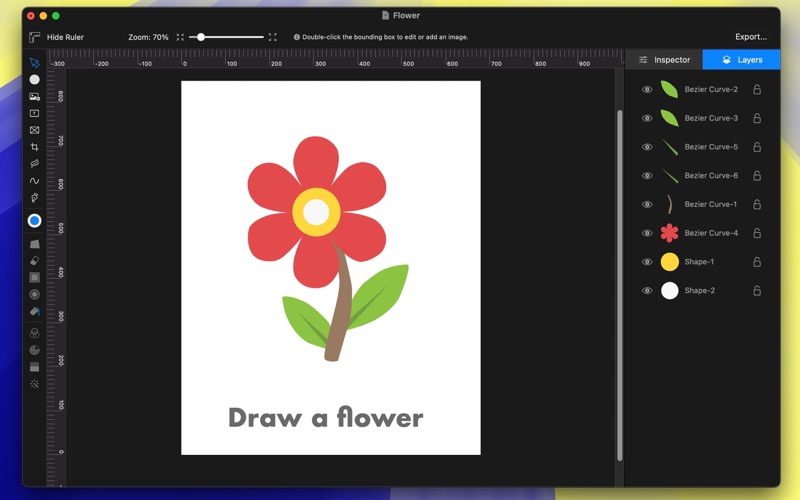
Edit images with shape drawing, text box insertion, and editable bounding boxes. Import images via drag-and-drop. Use pen tool, leaf brush, and brush tool for detailed edits. Adjust distortion and apply transformations.
ePaint is an all-in-one tool for photo editing and graphic design. Whether you're a professional designer or a casual user, ePaint equips you with the tools needed to make every image truly shine.
Key Features
▪ Shape Drawing
▪ Text Box Insertion
▪ Image Import (Supports Drag-and-Drop of Images from Webpages or Other Sources into the Project.)
▪ Pen Tool
▪ Leaf Brush (Fill Brush)
▪ Brush Tool
▪ Editable bounding boxes for image insertion.
Image-related Operations
▪ Image Distortion and Warping
▪ Eraser Tool
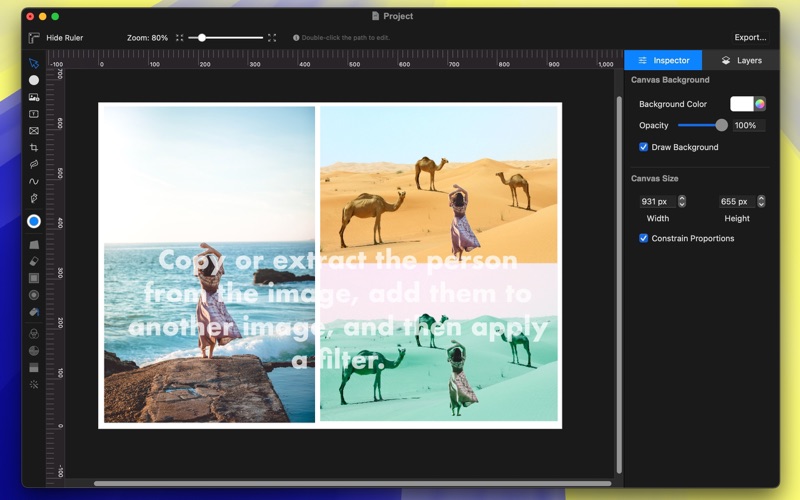
▪ Extract or Copy Specific Areas of an Image
▪ Lighten or Darken Specific Areas of an Image
▪ Paint Bucket Tool
▪ Filter Effects
Upgrade to Plus to unlock the following features:
Brush Tool,Pen Tool,Lighten and Darken Tools,Paint Bucket Tool,Filter Effects.
ePaint combines robust editing capabilities with flexible design tools, providing comprehensive support for all your creative needs. Make every design project simple and efficient, and achieve outstanding visual results with ease.
Suggestions and Feedback
If you have any questions, feel free to contact us via email at ([email protected]).