The app allows users to create digital art using various brush styles and effects. Users can save their creations to a gallery or share them via email, Facebook, and Twitter.
by Paulius Vindzigelskis★ 2.01 ratingsEntertainmentFreeData updated 2026-11-12
Create art with step-by-step drawing guides. Choose from categories like freestyle, hip-hop, and old-school. View styles in list or grid format. Save and share completed artwork. Adjust colors and brush sizes for customization.
Create dynamic videos from photos using AI templates and effects. Add text, stickers, and music. Choose from various styles and clothing options. Edit and export videos directly. Share finished videos on social media.
Edit photos with customizable Day . Select images from gallery or camera. Apply effects for enhanced visuals. Share via Facebook, Instagram, WhatsApp. Save high-resolution images.
The app provides a blank canvas for children to paint with random brush sizes and colors. Users can set the background color, use photos as backgrounds, and access unlimited undo functionality.
Create greeting cards and postcards with customizable templates, decorations, stickers, emojis, and fonts. Add photos, adjust text, and export designs to share via social media or email.
Offers a full experience on Apple with over 200 images. Users can select colors, adjust brush size, and save progress. Features include mindfulness prompts and a timer for focused sessions. Share completed artwork via email or social media.
Create animated and non-animated stickers. Draw custom designs directly within the . Share stickers across apps like Telegram, Snapchat, and WhatsApp. Edit properties such as size and color. Save and manage created stickers in the library.
Edit photos with stretching, squeezing, pinching, and prodding tools to create surreal effects. Apply advanced image manipulation techniques similar to professional software. Export edited images in various formats and share directly.
Create dynamic sandscapes by painting and dragging to shape particles. Watch flow, stack, and interact with walls and fluids. Customize colors and experiment with different particle behaviors. Share creations directly.
Apply AI-generated art filters to photos using style transfer technology. Adjust brightness, exposure, and temperature for fine-tuning. Save and share edited images directly.
Create and customize pop-it by selecting shapes and applying styles like solid colors, stripes, or textures. Save creations to a gallery for later play or trade with others. include DIY mode and various levels for interactive play.
Kids can color, draw, and decorate with various brushes, crayons, and pencils. They can use stickers and graphics of animals, vehicles, insects, fruits, and food from multiple galleries.
Create and edit drawings with a variety of colors and brushes. Sketch freely and refine details. Save, share, and publish artwork. Include step-by-step process for each drawing. Export in multiple formats and share directly.
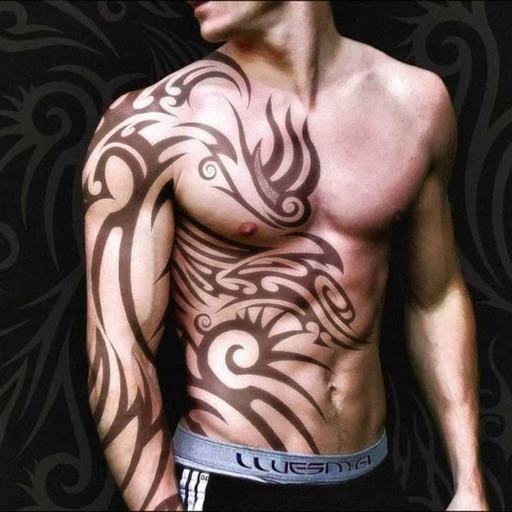
Create tattoos on photos with high-definition images. Select from various styles like dragon, color, love, and kanji. Apply effects and save or share directly. Choose photos from camera or gallery.