Capture photos using a 1-bit camera with only black and white pixels. Choose from three pixel resolutions and an 8-color mode. Features chunky buttons, mechanical sounds, and clean PNG output for printing or further use.
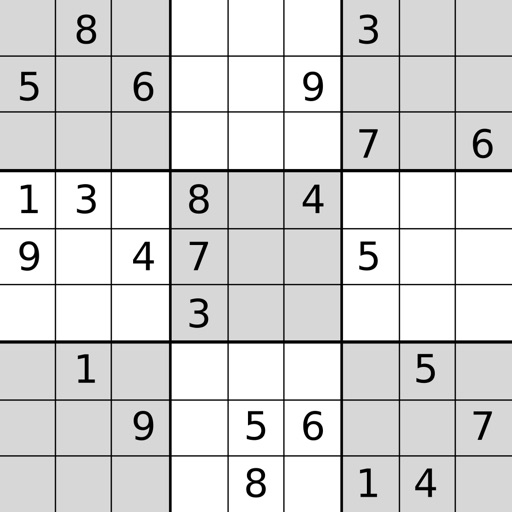
Play with four difficulty levels and tutorial guidance. Solve puzzles using notes, undo/redo, and auto-note features. Color squares with two colors for advanced strategies. Check for errors manually or automatically.
Learn to with step-by-step tutorials and interactive guidance. Follow structured lessons to improve skills. Practice drawing techniques and receive feedback. Save and review progress. Share creations directly.
The app provides custom-designed drawing tools that simulate real art supplies. Users can share their creations or save them for later, with options for interaction through likes and following.
Create digital art with drawing, coloring, and animation tools. Use versatile templates for Anime, Animals, Flowers, Landscapes, Mandalas, and more. Access dual drawing modes for layered artwork.
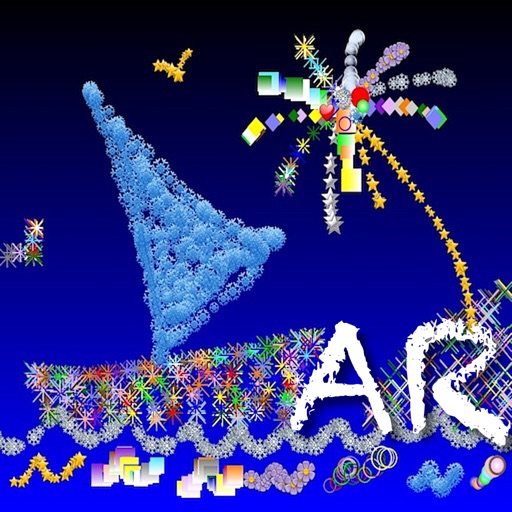
Create sketches and drawings using built-in brushes and canvases. Trace real-world images with AR technology. Save and share artwork directly. Adjust brush size and opacity for detailed work. Import images to base drawings on.
On a virtual surface with finger or stylus input. Choose from various drawing tools and colors. Save and share creations directly. Supports touch and pen interaction for precise drawing.
The app allows users to draw and write on their iPad, functioning as a notepad or blackboard. Users can add typed text, choose background colors, and save or share their creations via email or social media.
Pixels to create artwork using pre-designed characters and illustrations. Select colors and fill grids to complete images. Access free pixel art samples and premium collections for advanced designs. Complete -by- puzzles and save progress.