Edit photos by converting them to black and white while retaining selected details. Use multi-touch gestures to paint areas in black and white or restore original colors. Zoom in and out with two-finger pinching. Adjust and export edited images.
Edit photos with crop, rotate, exposure, color, sharpness, and resize tools. Create grid collages and edit individual images. Access presets, clone tool, and fine curve adjustments for detailed edits. Export and share edited photos directly.
Create by selecting from a large collection of templates. Add personal photos or videos and edit elements within the built-in meme editor. Use AI to generate viral . Save and share finished directly.
Record and edit video with manual controls, audio levels, and timeline editing. Livestream directly to platforms. Manage storage and transfer footage via Wi-Fi to a private database for sharing and collaboration.
Remove backgrounds from images to create transparent or customized backgrounds. Edit photos to eliminate imions. Replace or erase backgrounds for product images. Export edited images in various formats.
Edit videos with trimming, splitting, and merging tools. Add transitions, text, and music. Adjust brightness, contrast, and speed. Export in various formats and share directly.
Capture photos with controls including shutter, ISO, and white balance adjustments. Edit images using film-emulating presets, RAW processing, and advanced color settings. Export photos in high-quality formats and share directly.
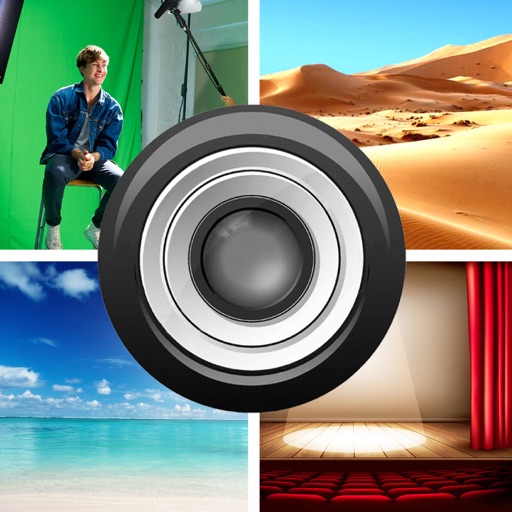
The app allows users to replace a green screen background with any image from their camera roll. Users can load foreground and background images, move and size them, and adjust extraction values, brightness, and color.
Videos by selecting backgrounds, trimming clips, and adding kids characters. Overlay text and use green screen to remove backgrounds. Apply keyframes and animations for custom effects. Export and share finished videos.
Convert to grayscale and highlight a specific . Tap to select the to emphasize. Preserve detail and apply effects using advanced computer vision. Export edited images directly.
Remove backgrounds from photos using automatic eraser with machine learning. Identify and isolate people, animals, vehicles, and objects. Erase single-color backgrounds for chroma key effects. Manually adjust erased areas for precision.
Backgrounds from photos with precision, save images with transparent backgrounds, or replace them with custom ones. Edit photos by adding filters, drawing, inserting text, and applying stickers to create professional images and social media content.