Apps Like Green Screen Studio Pro for iPhone and iPad
Change background image to any image.
The app allows users to change a monochromatic background into any image. It offers tools to manually remove backgrounds without a greenscreen, enabling users to apply backgrounds to any picture.
by Pocket Bits LLC★ 0.00 ratingsPhoto & Video$19.99Data updated 2026-11-10
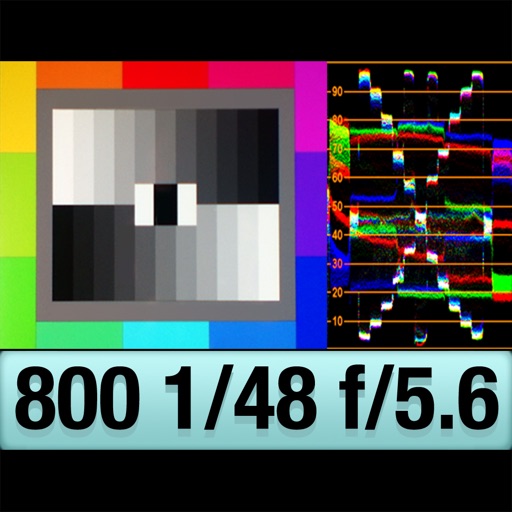
The app provides an RGB waveform monitor, false-color display, and a shutter-priority reflected light meter. Users can calibrate the light meter to match other devices and view light levels across a scene.
Allows users to import scripts and control text scrolling speed. Features include adjustable text settings, video recording with scrolling text overlay, and customizable effects for presentations or social media content.
Images by adjusting dimensions and quality. Edit photos with a clean interface. Share resized images to Facebook, Twitter, and Instagram. Optimized for latest iPhones. Remove ads by tapping the "" option.
Turn photos into videos by selecting an image and removing the background. Choose from several backgrounds and apply pop effects, drop shadow, or outline. Add background music and share the final result.
Identifies colors by name and describes their appearance. It allows users to adjust palettes for better visibility. The simulates blindness to help users understand perception differences.
Create custom wallpapers using provided templates. Share wallpapers with friends. Save wallpapers directly to device gallery. No in- purchases or subscriptions.
Create custom Wars opening crawls by entering text, episode names, and opening sentences. Adjust text size, speed, background images, and music. Share videos or GIFs via email or social media. Upgrade to change the crawl title.
Edit photos with cropping, filters, and adjustments. Remove backgrounds and add text or stickers. Create collages and GIFs. Edit videos with trimming, compression, and subtitle addition. Convert to audio. Combine features for and editing in one .
Read and scroll text on-screen using voice commands or manual control. Adjust text size, font, and speed. Import scripts from files or copy-paste. Record audio and with live text overlay. Share finished videos directly to social media or email.