Identifies colors by name and describes their appearance. It allows users to adjust palettes for better visibility. The simulates blindness to help users understand perception differences.
by Vincent Fiorentini★ 3.9142 ratingsUtilitiesFreeData updated 2026-09-10
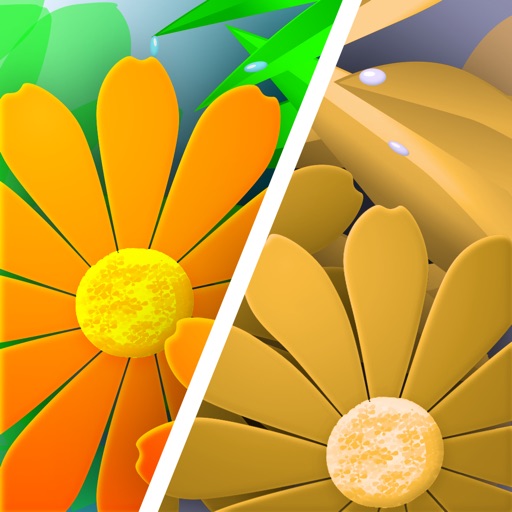
Lets users view colors as they appear to people with color blindness. Point the camera at objects to see color variations. Adjust color settings to enhance accessibility in designs. Analyze color choices in images for better understanding.
Draw and paint images using customizable color pencils, pastels, and brushes. Choose colors freely and adjust settings for precise control. Save artwork to camera roll and share via Facebook or Twitter.
The app transforms live video colors to help users distinguish them. It offers red-green and blue-yellow transforms, saturation increases, filtering, and hatching patterns.
Simulate color deficiencies to understand how color appears to people with red-green or blue-yellow color blindness. Users can select different types of color impairment and view modified color palettes.
The app transforms images and webpages to help people with color vision deficiency distinguish colors. It offers red-green and blue-yellow transforms, saturation increase, filtering, and hatching.
Choose paints, wallpaper, and decorative elements by viewing and searching a comprehensive database. Access a built-in Pantone scheme assistant. View names and descriptions. Navigate an intuitive interface for easy selection.
The app scans surroundings using the device's camera to make colors audible. It identifies color names in multiple languages and converts colors into tones for acoustic interpretation.
Simulates blindness to show how it affects vision. Adjusts live video to enhance differentiation for users. Allows users to test different correction settings and view modified real-time footage.
Correct underwater photos and videos by adjusting color tones with a single tap. Transform dull blue-green hues into natural, vivid colors. No account needed. Access example media in the help section.