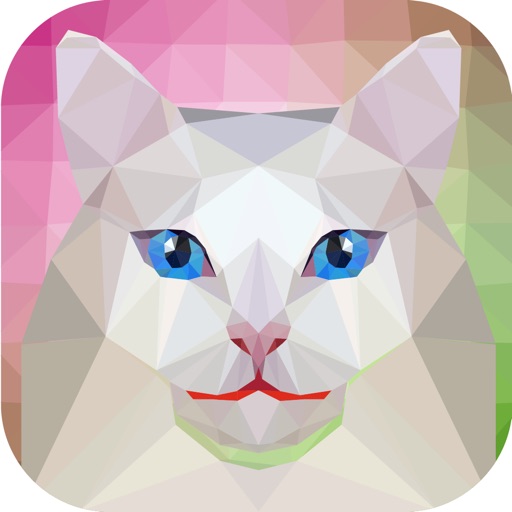
The app transforms photos into polygonal art with real-time low-poly camera capture. It offers multiple shape and resolution options, edge detection, custom mesh editing, and high-resolution export.
by Daniel Eke★ 4.56 ratingsPhoto & VideoFreeData updated 2026-11-10
Enhance low-quality photos using machine learning. Import images from gallery or capture new ones with camera. Tap a button to automatically improve resolution. Compare before and after enhancements in real time.
Customize iPhone's and with 150+ pre-designed styles or create shapes. Apply wallpapers that blend with the display. Adjust design elements to fit personal preferences.
Convert photos and videos to art with 30+ styles and 10+ effects. Record art videos directly or apply the style to existing clips. Save results as videos, live photos, or gifs. Adjust settings to customize the pixelation effect.
Enhance blurry, pixelated, or damaged images using AI. Adjust clarity, color, and brightness. Apply filters and effects. Restore old photos and damaged images. Export enhanced photos in various formats.
The app allows users to edit photos, create word art, and design posts with original fonts. Users can access additional features by opening projects in Rhonna Designs Magic and Rhonna Collage.
Enhance quality with AI-powered upscaling. Remove blur, grain, and pixelation to create crisp, high-resolution images. Restore old photos and videos. Share edited files directly.
Create pixel art sprites with drawing tools and a powerful engine. Open and edit pixel art files from Files. Use iCloud Drive for cloud storage. Support Apple for precise input. Import and customize color palettes.
Convert photos to style with 16 customizable masks. Adjust colors and settings for detailed control. Save high-resolution artwork for print. Share creations socially. Supports iPhone, iPad, and iPod touch.
Navigate through 40+ levels with platforming challenges, avoiding traps, enemies, and saw blades. Defeat 3 bosses in epic battles. View achievements and compete on leaderboards. Explore stylized pixel art worlds with detailed environments.
Create calligraphy, customize styles, save and share
Create Arabic-style calligraphy with customizable styles and colors. Design with vector shapes and adjust curves. Align text or shapes using alignment tools. Adjust layer order to bring elements forward or send them back.
Edit photos with advanced filters and AI-powered upscaling. Repair old images to remove blur and enhance details. Convert low-resolution photos to high-definition. Share restored photos directly from the .
Create art by selecting colors and filling in grids. Choose from pre-designed artworks or design custom pieces. Save and share completed projects. Access a library of free art templates. Adjust color palettes and grid sizes for different projects.
Create AI-generated images and videos from text input. Use pre-designed templates for social media content. Edit and enhance visuals with built-in tools. Share directly to platforms like TikTok and Instagram.
View wallpapers to personalize home and lock screens. Choose from high-resolution, animated backgrounds. Set as home or lock screen. Access unlimited wallpapers anytime. Adjust settings for optimal display.