The app allows users to draw and play in 3D using various shapes, animations, and colors. Physics simulation and effects can be enabled for additional enjoyment, and users can export images and videos of their creations.
by Pierre Abel★ 4.431 ratingsEntertainmentFreeData updated 2026-11-09
Create drawings and color images with tools for filling, erasing, and selecting colors. Choose from themed pages featuring animals, vehicles, dinosaurs, and space. Save and share completed artwork.
Play interactive games to learn the alphabet, count numbers, and recognize shapes. Practice memory, logic, and concentration through puzzles and pattern games.
The app provides a drawing experience with a blank canvas or custom backgrounds. Users can draw with unlimited colors, adjust brush size, and utilize an undo button.
Play Classic with realistic animations and smooth transitions. Customize settings including draw options and scoring. Use real-time hints and unlimited undos. Enable or disable tap-to-move and only winning deals.
Create animations using gestures. Explore shapes, patterns, and effects. Export screenshots as wallpapers. Perform live animations for parties or VJing. Edit and improvise animations in real time.
Pages feature -themed images for children to color. Users can select and apply colors to drawings. Options include drawing freehand or using pre-set tools. Save and share completed artwork.
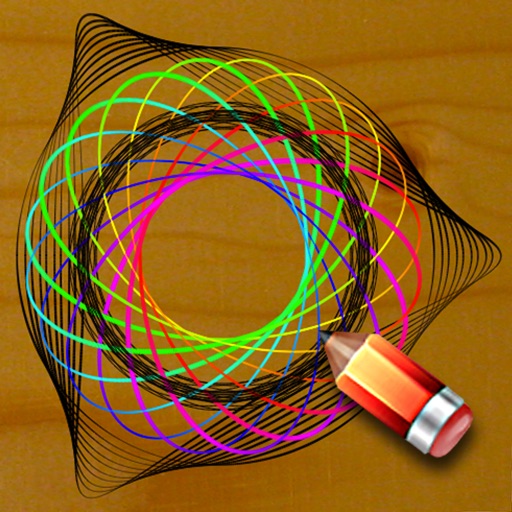
Practice handwriting, draw spirals, strengthen motor skills
Practice handwriting with customizable drawing tools. Adjust painting speed for different skill levels. Use varied colors, thickness, and calligraphy effects to enhance motor skills and penmanship accuracy. Track progress through repeated exercises.
The app helps toddlers and preschoolers learn letters, numbers, colors, and shapes through interactive games. It offers positive reinforcement and fun animations, with a free play mode for exploration and personalized recorded messages.
The app allows users to create drawings and sketch templates. Content created within the app can be shared via a link or exported in various formats including email, photo, video, and PDF.
The app offers over 270 coloring pages with 20 vibrant colors and a magic brush tool. It includes themes like animals, princesses, and cars, with monthly updates providing fresh content.
Learn colors, numbers, shapes, and letters through 13 educational with professional voice instructions. Choose from 12 languages and 3 skill levels. Interact with 3D kitten guides to enhance learning experience.
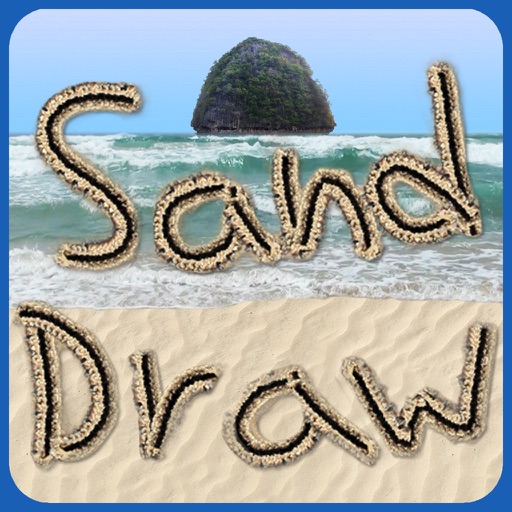
The app allows users to draw on realistic sand with various beach objects and customizable colors for the sea, sky, and sand. Users can shake the device to clear the drawing and add a sea view with a controllable sunset.
Children can draw simple shapes and characters like butterflies, frogs, and cars. Completed drawings animate to life with movement and sound. Users can explore creative tools, customize characters, and interact with animated results.
Teaches counting, language, and songs through interactive . Includes activities for early development. Features ad-free gameplay and COPA compliance. Allows parents to monitor progress and set learning goals.
The app offers over 30 unique Halloween sounds and interactive shapes. Users can tap and swipe to create colorful shapes that move with sound and motion, with additional surprises when tilting or shaking the device.
Learn with 28 letters and 200 words. Practice pronunciation, write letters, and recognize words with letters in different positions. Complete puzzles, learn numbers, clock, colors, and shapes. Practice writing and dictation exercises.
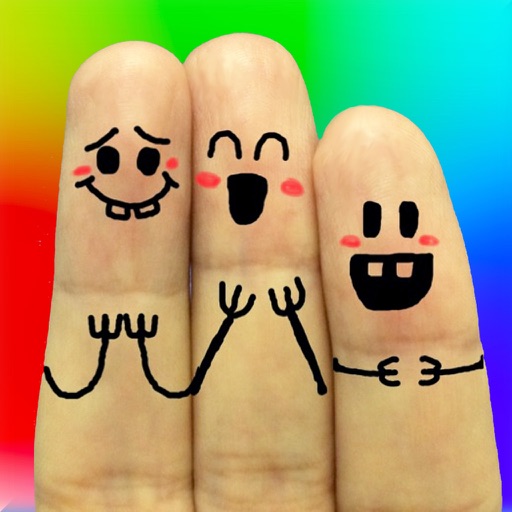
The app allows users to create finger faces using photos from their camera roll or by taking new pictures. Users can add faces, items, stickers, and text, or draw their own creations.
Create and customize models with -up features. Choose from various outfits and accessories. Save and share creations with others. Play photo-shooting, cafe simulation, and Jelly Splash connection .
The app draws random shapes in random colors and sizes. Users can clear the screen with a two-finger tap or shake the device to access a menu for background options.
Solve using high-resolution images from over 1,000 HD photos across 200 packs. Choose with up to 280 pieces and five difficulty levels. Each puzzle has unique piece shapes. Save progress and resume later.