Create knit patterns using vector symbols for increases, decreases, textures, cables, and variable symbols. Edit designs with tap and paint modes, undo/redo, and row/stitch numbering.
by Create2Thrive Inc.★ 4.245 ratingsProductivityFreeData updated 2026-09-09
Track and progress with built-in row and stitch counters. Convert PDFs and websites into interactive guides. Log patterns, manage stashes, and navigate complex charts. Set reminders and monitor project milestones.
Design and illustrate knitting patterns appealingly.
The app allows users to create knitting charts with up to 99 stitches and 99 rows. Users can fill the grid with symbols or colors to design patterns and save them with a key for use in written patterns or sharing.
Create and edit and crochet patterns with drawing tools. Import PDFs from device or Ravelry. Track progress with Working Mode, row counters, or PDF highlights. Convert square charts to written instructions. Add images to canvas.
Upload and preview PDF patterns from Etsy, Ravelry, or other marketplaces. Track row progress with + and - buttons. Count rows during projects. Store and organize patterns. Sync with timer for timing sessions.
Edit messages with AI-powered suggestions and translations. Access over 6000 emojis, stickers, GIFs, and cool fonts. Customize themes and symbols. Share text art and genmoji across WhatsApp, TikTok, Instagram, and other apps.
Track knitting and progress by importing patterns from web pages, PDFs, Dropbox, or Google Drive. Create customizable charts for use in projects. Access Ravelry for pattern searches and library integration.
Allows users to stitch charts from any designer. Users can add notes, highlight sections, and adjust colors. Export charts as images or PDFs. Share directly or save for later use. Sync across devices.
Offers video tutorials for techniques, pauseable lessons, and project planning tools. Users can track progress, access AI-driven tips, and organize patterns. Features include stitch guides, project timelines, and material calculators.
Create and customize for cross and pixel art. Set grid size up to 1,000 x 1,000. Choose display formats including symbol, fill, and . Use rulers and context menus to copy, move, flip, or clear elements. Duplicate pages and select starting positions.
Record and reflect on dreams with automatic image generation and recurring symbol insights. Track personal symbols and their meanings. Receive insights about repeated elements. Export entries and notes for further analysis.
Watch knitting videos offline with 170+ instructional clips organized into 15 categories. Search for specific techniques. Learn stitches, cable crossings, and decreases with step-by-step guidance.
Access additional keyboards with over 2000 symbols. Switch between layouts for typing symbols, math, or programming. Customize key placements and save preferred configurations for quick access.
Access professional-grade charts with interpretations from real astrologers. View daily horoscopes and personal birth chart analysis. Explore meanings of Sun, Moon, and Rising signs. Track celestial events and planetary positions.
Snap photos, get step-by-step guidance, create projects
Capture photos of yarn or projects to identify colors and materials. Access step-by-step tutorials and patterns for and . View design inspiration and track progress on projects. Share creations and connect with other crafters.
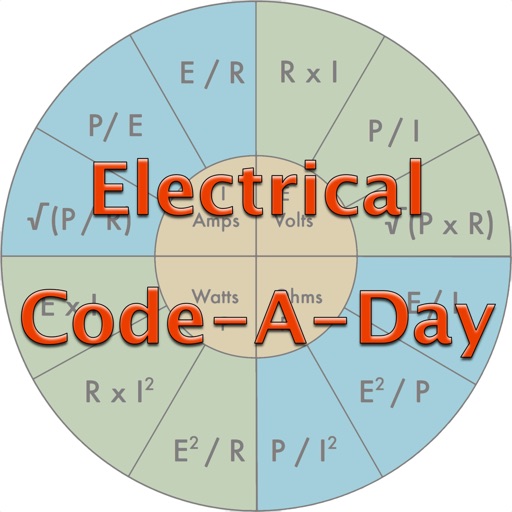
Test knowledge of codes with daily quiz questions. Answer individual questions or complete as many as possible in one session. Includes 366 basic electrician-written questions for apprentices, journeymen, and masters.
Generate secure passwords with custom character sets
Generate secure passwords using true randomness. Customize character sets including lowercase, uppercase, numbers, and symbols. Exclude or include specific characters as needed.