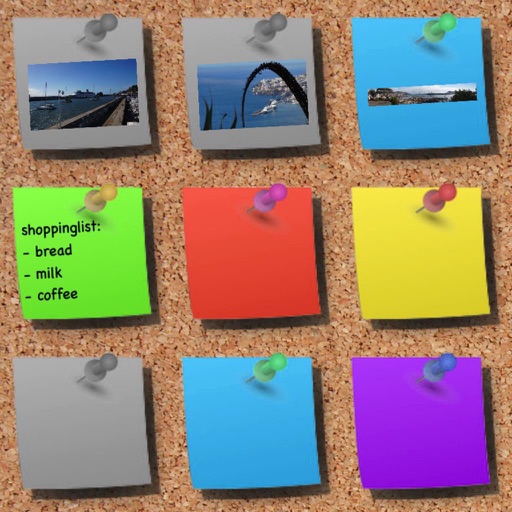
Create notes with titles and text. Include phone numbers, addresses, web links, and emails for interactive use. Add photos from the camera or photo library, view them fullscreen with zoom, and save multiple images per note.
by Dennis Ebbinghaus★ 4.6301 ratingsProductivityFreeData updated 2026-09-09
Create and edit and drawings for home screen and lock screen widgets. Draw with Apple Pencil or finger, type with keyboard. Customize backgrounds, colors, fonts, and zoom for details. Combine text and drawings in one note. Share as images or text.
Manage with a minimalist todo and calendar integration. Add notes with customizable themes. Backup and restore data via iCloud. Set notifications and use a widget for quick access. Supports landscape mode on iPads.
Create notes using voice commands, Apple Watch, or in- dictation. Attach images, PDFs, videos, and files. Draw sketches directly. Access notes via home screen widgets or clipboard capture.
Create mailing labels from contact addresses or custom entries. Organize labels into lists and save style settings. Automatically fill fields with contact information. Print labels directly from the .
Organize and search with AI-powered text recognition. Save, tag, and categorize images. Search for specific words or phrases within . Share or delete images directly from the .
Track daily activities and moods with entries and attached photos. Set passwords and PIN codes for security. Search entries by date or hashtag. Customize fonts and themes. Back up data to Google Drive and export/import entries.
Take notes with customizable brushes including pencil, pen, brush, and marker options. Annotate PDFs and sketch lightly. Organize notes with a clean, distraction-free interface. Export notes in multiple formats and sync across devices.
Track and TV with a watch list. Add favorites, view details, ratings, trailers, and cast information. Sync with iCloud automatically. Receive notifications for new episodes. Manage a calendar of release dates.
Track and manage counters with customizable colors and sorting options. Use hotkeys and right-click for quick actions. View counting history and total values. Set auto-reset and last change timers. Access widgets on home and lock screens.
Write plain text notes with a streamlined interface and quick-access shortcuts. Customize themes and control text cursor with swipe gestures. Track text length in characters, words, and SMS texts.
And audio or video files into text. Link notes to specific timestamps in recordings. Organize and search notes by date, topic, or keyword. Share notes directly via email or messaging apps. Sync notes across devices.