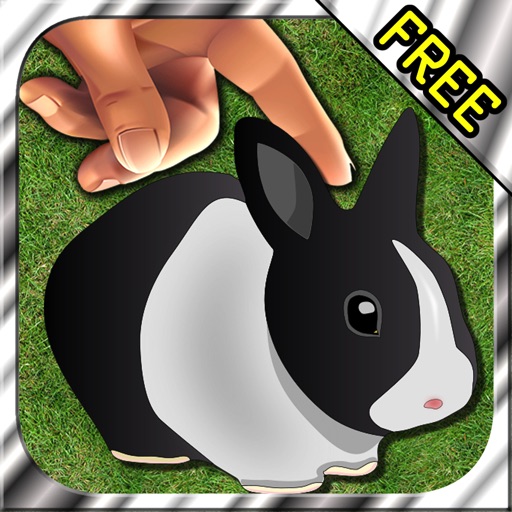
The app uses augmented reality to show virtual bunnies that appear to hop around the user. Users can direct the bunnies to specific locations or have them hop on selected images, leaving footprints.
The app provides tools for photo editing and stop-motion video creation. Users can capture or load photos, apply effects, and arrange them to build stop-motion and time-lapse videos.
View live video feed from connected dash cam on iOS device. Download and share videos directly from the camera to iOS. Control camera functions like taking photos and recording videos via iOS.
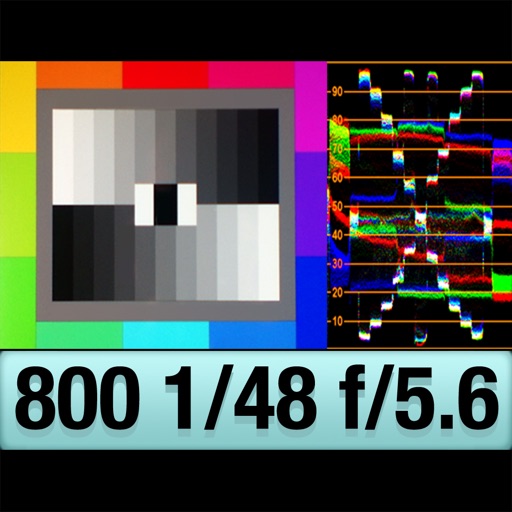
The app provides an RGB waveform monitor, false-color display, and a shutter-priority reflected light meter. Users can calibrate the light meter to match other devices and view light levels across a scene.
The app allows users to create stop-motion videos with project management, camera features, and an editing panel. Users can set frame rates, add sound, and render videos in various resolutions and formats.
Apply real-time cyberpunk-style filters to photos and videos. Adjust color grading, neon effects, and grain. Export edited content in various formats and share directly.
The app offers two modes: 2 Image Compare with manual slider control and Slideshow mode for animated presentations. Users can record slideshows, convert videos to GIF, and add background music.
Record and replay sessions with voiceover and drawings. Create video presentations for athlete . Access sessions across devices via web browser. Share clips directly with team members. Track progress and analyze footage.